Zapier for Airbnb Cleaning: Automate Your Turnovers
Learn how to use Zapier to automate Airbnb cleaning alerts via iCal or email, what it costs, where it falls short, and when to switch to a dedicated tool.

Jonathan Lalinec

Yes, Zapier can automate part of your Airbnb cleaning workflow. At every new booking or checkout, it can create a calendar event, send an SMS, or message your team. But Airbnb offers no direct connection for individual hosts, so you have to route through iCal imports or confirmation emails. Here is how to build that setup, what it costs in Zapier tasks, and where it hits its limits.
In brief
- Zapier does not connect directly to an Airbnb host account. You go through a calendar iCal feed or confirmation emails.
- A simple Zap (booking to calendar event or message) takes minutes to build, but it handles no checklists, photos, or stock tracking.
- Every successful action consumes a task. The free plan gives you 100 per month, which runs out quickly across multiple properties.
- You need to monitor Zaps actively, because a silent failure can leave a property with no clean scheduled.
- Beyond a handful of properties, a tool built for short-term rental cleaning saves you from assembling and maintaining these automations yourself.
Table of contents
- What Zapier can do for Airbnb cleaning
- The integration is indirect: three ways to connect Airbnb
- Setting up a Zap that adds the clean to your calendar
- What Zapier costs for cleaning automation
- Things to check before you automate
- What a Zapier setup is missing
- Our take
- Zapier or a dedicated tool: how to choose
- From Zap to automatic scheduling with CleanClac
- Laying the groundwork, with or without Zapier
- FAQ
- Sources
What Zapier can do for Airbnb cleaning
Zapier is an online automation tool. You define a trigger and then one or more actions. For cleaning, the trigger is a booking event and the action is a calendar update, a notification, or a task created in a project management tool. According to HomeScriptLab, Zaps fire on new events from iCal or emails, then can add tasks to calendars, send Slack or SMS alerts, or create work cards.
The practical benefit is real: fewer schedules copied by hand, fewer messages scattered across WhatsApp, and a team that gets the information the moment a booking lands. A Dutch cleaning company describes automating alerts as the way to eliminate manual scheduling entirely.
What Zapier does not do: it knows nothing about cleaning. It moves data from one application to another. The content of a clean (which rooms, which tasks, what proof of completion) remains your responsibility.
The integration is indirect: three ways to connect Airbnb
This is the point that surprises most hosts. According to HomeScriptLab, there is no direct integration between Airbnb and Zapier for individual hosts, because Airbnb does not offer them a public API. Three routes are available.
The iCal calendar
You import your listing's iCal link into a Google Calendar, which Zapier then monitors. Each new event triggers the Zap. The data available is limited to start and end dates, the booking ID, and sometimes the guest name, according to this guide. The mechanics of iCal sync, its delays, and its pitfalls are covered in our iCal sync guide for Airbnb and Booking.com.
Confirmation emails
You connect your Gmail inbox and filter messages whose subject line signals a confirmed booking. BeyondPricing describes a Zap that spots emails containing "reservation confirmed" and "instant booking" in the subject, then sends a Slack message with the booking, guest name, and booking channel. This method depends on email format: if Airbnb changes its subject lines, the filter stops working.
A middleware platform
If you use a PMS or channel manager connected to Zapier, you get access to richer triggers. For example, Hack'celeration notes that Channex exposes 23 instant triggers in Zapier, including booking accepted, booking modified, and booking request. With a connected PMS, BeyondPricing notes that you can also pull in the property, check-in and checkout dates, revenue, and guest count.
| Method | Data available | Reliability | Best for |
|---|---|---|---|
| iCal to Google Calendar | Dates, booking ID, sometimes guest name | Good, but sync delay | One or two properties |
| Gmail filtered emails | Guest name, channel, message details | Depends on email format | Hosts without a PMS |
| PMS or channel manager | Property, dates, revenue, guest count | Richest option | Managers with a PMS |
Setting up a Zap that adds the clean to your calendar
The most common setup creates a calendar event for each booking that your cleaners subscribe to. Here is how to do it, adapted from the WorkflowDone guide:
- Create a Zapier account and connect your booking source (Airbnb account, calendar, or PMS depending on your setup).
- Create a Zap with that application as the trigger and choose the new booking event.
- Add Google Calendar as the action app, with the option to create a detailed event.
- Map the guest name, property, check-in and checkout dates, then guest count and special requests in the description.
- Add a colour label to distinguish properties.
- Test with a real booking, then switch the Zap on.
To block out cleaning time, the same source explains that you can adjust the end-date formula to include turnover hours. In practice, a cleaning event starts at the guest's checkout and ends before the next check-in. That is the window your cleaner needs to see.
Alerting the team rather than just filling a calendar
A shared calendar is passive: nobody is notified. To send a message to the team, add a messaging action after the event is created. The apps cited by HomeScriptLab for coordinating bookings, notifications, and tasks include Hospitable, Twilio, Slack, Google Calendar, Schlage, Airtable, and Notion. A good message is simple: property, checkout date and time, cleaning deadline, any special instructions.
Same-day checkouts
The hardest case for a Zap is a checkout and check-in on the same day. An event that only tracks dates does not convey the urgency. In that situation, add a dedicated field or a separate message, and read our guide to same-day turnovers for how to manage the slot.
What Zapier costs for cleaning automation
Zapier bills by task. According to GTMLabz, the free plan offers 100 tasks per month with single-step Zaps, the Starter plan costs $19.99 per month for 750 tasks with multi-step Zaps, the Professional plan $49 per month for 2,000 tasks, and the Team plan $299 per month for 50,000 tasks. These prices change, so check the official Zapier pricing page before committing.

A task equals one successful action. According to eesel, triggers, filters, paths, and data formatting steps are generally excluded from the count, but a complex workflow can burn through the monthly quota quickly.
Estimating your usage
Here is a rough example, not a universal rule. A three-action Zap per booking (create the event, send an SMS to the cleaner, send a confirmation message) consumes three tasks. With 20 bookings a month, that is 60 tasks. With 40 bookings spread across several properties, you are at 120 tasks, already above the free plan. Add a second Zap for cancellations and a third for modifications, and the total climbs further. A short-term rental professional notes that exceeding your quota can trigger extra charges or pause your automations entirely.
If you already use a full short-term rental management service, cleaning and reporting are included and this calculation does not apply. If you manage yourself, compare the monthly cost of Zapier against a dedicated tool before deciding.

Things to check before you automate
An automation that fails silently is worse than a manual schedule, because you think the clean is covered when it is not. A few habits reduce that risk.
- Monitor. HomeScriptLab recommends a daily summary to catch silent failures. A morning message listing the day's cleans is enough.
- Filter. Add a filter to continue only if a booking exists on the relevant date, as the same source advises. This prevents alerts firing on empty slots.
- Protect guest data. Only share with the cleaner what they need: property, times, special instructions. The guest's full name, phone number, and email have no place in a group message. For personal data rules, refer to the CNIL website.
- Handle cancellations and modifications. A Zap built only on "new booking" leaves a ghost clean on the schedule when a guest cancels. Build separate Zaps for those cases.
- Document. Record who built each Zap, with which account, and on which email address. If that person leaves, the automation must survive.
What a Zapier setup is missing
A calendar entry and an SMS tell someone when to show up. They say nothing about what was done. A short-term rental clean is judged on results: a clean bathroom, fresh linen, consumables restocked. Getting that from Zapier means bolting on extra tools: a database for checklists, storage for photos, a spreadsheet for stock. Each new piece adds Zaps, more tasks consumed, and more potential points of failure.
Common gaps in a homemade setup:
- Property-specific checklists. You have to build and maintain them, then get cleaners to access them on their phones.
- Proof of completion. Timestamped photos require a capture tool, storage, and a link back to the booking.
- Stock tracking. Knowing there are two sets of linen left or one bottle of washing-up liquid remaining requires an inventory updated after every clean.
- Performance tracking. Measuring turnaround times and quality by cleaner means centralising data that is currently scattered.
- Backup cover. If a cleaner is unavailable, someone has to find a replacement. No Zap does that.
Our take
Every week we see hosts and co-hosting businesses that have built a chain of Zaps, shared calendars, and spreadsheets to manage their cleans. That work is legitimate and it holds up while the volume stays low. When the properties multiply, the setup starts demanding more attention than the cleaning itself.
That is why we built CleanClac as a single tool centred on the turnover. The schedule generates from your bookings (Airbnb, Booking.com, Vrbo, and others), cleaners are notified automatically, and each one has their own mobile access. Cleaning reports with photos and videos, stock management, and performance tracking are all in the same place, with no scenarios to maintain.
Our model charges no commission on services, and the tool connects to the main PMS platforms. If you need backup cover at short notice, you can search for a local provider directly in the app. Our conviction: cleaning automation should confirm that a property is ready, not just remind someone to clean it.
Jonathan
Zapier or a dedicated tool: how to choose
The two approaches are not mutually exclusive, and the right choice depends on your volume and how much control you need.
| Criterion | Zapier setup | Dedicated cleaning tool |
|---|---|---|
| Getting started | A few hours to several days depending on the pieces involved | Connect the calendar or PMS, then the schedule generates |
| Booking data | Depends on the method: iCal, emails, or PMS | Syncs with supported platforms and PMS |
| Checklists and photos | Must be built with separate tools | Built into the app |
| Stock tracking | Spreadsheet or database to maintain | Tracked per clean |
| Cost | Zapier subscription plus associated tools, based on task volume | Subscription per active property |
| Maintenance | Your responsibility | Handled by the publisher |
Stay with Zapier if you have one or two properties, a regular cleaner, and you enjoy building your own workflows. Move to a dedicated tool when you manage several properties and several cleaners, or when you need cleaning proof and stock tracking without spending your evenings on it. For an overview of tools in this space, see our roundup of Airbnb co-hosting software in France and our guide to automating your short-term rental management.
From Zap to automatic scheduling with CleanClac
CleanClac generates an automatic cleaning schedule from your bookings, notifies your cleaners, and gives each one individual mobile access. Every clean produces a cleaning report with timestamped photos, and stock management tracks consumables clean by clean.
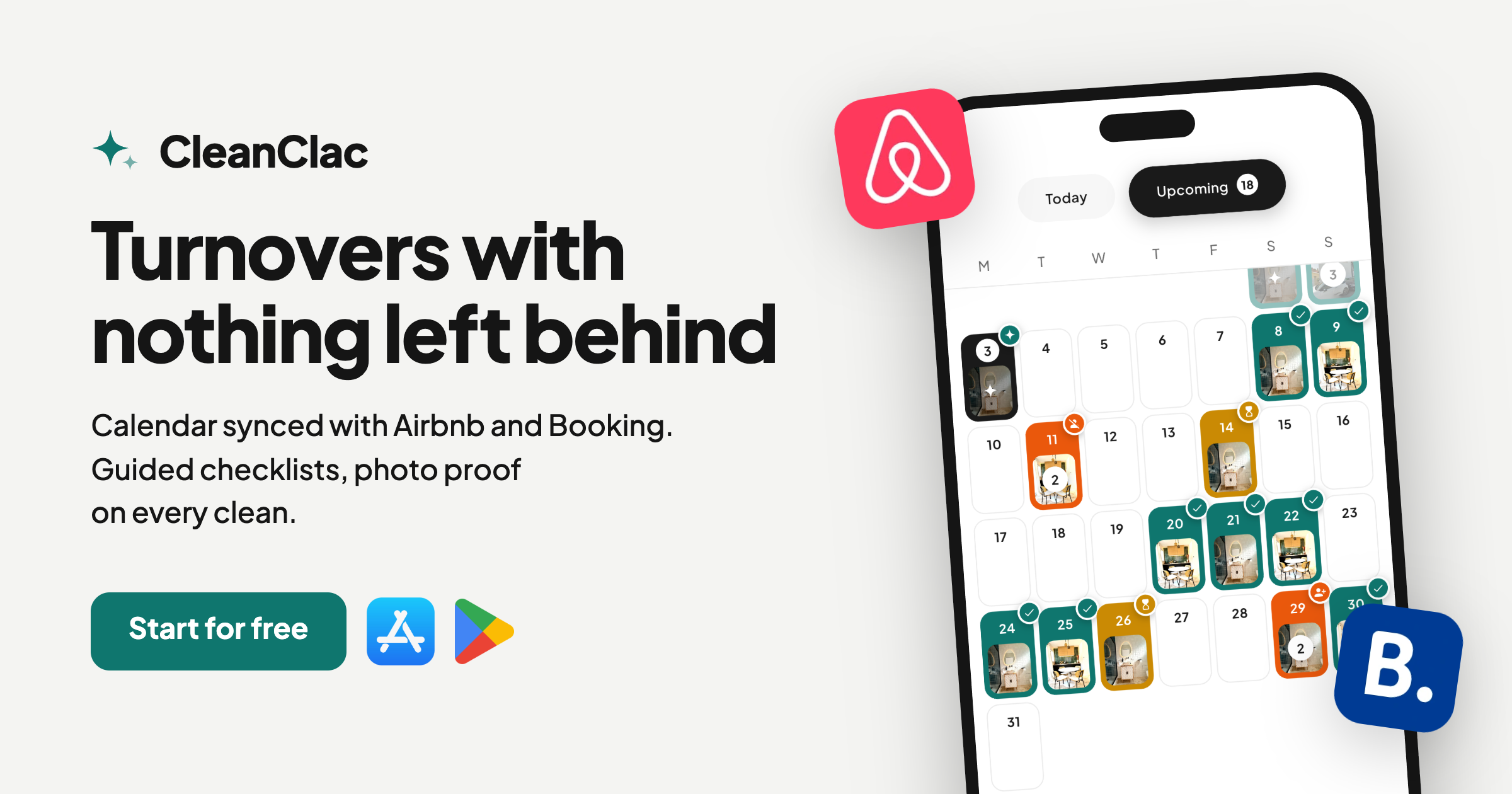
Published pricing is per active property: €9.99 per month for 2 properties, €14.99 per month for 3 or 4 properties, €19.99 per month for 5 properties, then €4 per month per additional property. On annual billing: €59.99 per year for 2 properties, €119.99 per year for 5 properties, and €24 per year per additional property. A free plan is also available, as is a dedicated app for cleaners. See the CleanClac pricing page for the latest details.
Laying the groundwork, with or without Zapier
Whatever tool you use, automation is only as good as the cleaning brief behind it. Before connecting anything, get clear on what you expect from every visit.
- Write a checklist for each property. Our list of 166 Airbnb cleaning tasks is a solid starting point.
- Choose an instruction format your cleaner can read on their phone, for example a guided, illustrated checklist.
- Adjust frequency by season. For coastal or mountain rentals, see our guide to seasonal rental cleaning and the seasonal deep-clean protocol.
- Decide who to contact, and how, when a clean cannot be covered.
An automation that sends a vague brief just produces a vague clean, faster.
FAQ
Can Zapier connect directly to my Airbnb account?
No, not for an individual host. Airbnb does not offer a public API to this audience, according to HomeScriptLab. You route through an iCal import into a calendar that Zapier monitors, through confirmation emails received in Gmail, or through a compatible PMS.
Is Zapier's free plan enough for my cleaning workflow?
It depends on your volume. The free plan offers 100 tasks per month and single-step Zaps, according to GTMLabz. A Zap with multiple actions per booking will generally require a paid plan as soon as your properties multiply.
What booking information can Zapier pass to my cleaner?
With iCal, you mainly get dates and the booking ID. With a connected PMS, you can add the property, guest count, and other fields, according to BeyondPricing. Only share with the cleaner what they actually need to do the job.
How do I know if a Zap has stopped working?
Set up a daily summary listing the day's scheduled cleans, as HomeScriptLab recommends. If the message does not arrive or a clean is missing, you catch it the same day.
Sources
- Airbnb Calendar Automation Zapier, HomeScriptLab
- Airbnb Automation with Zapier: Complete Guide for Hosts, HomeScriptLab
- Zapier for Vacation Rentals: Automate Slack Alerts & More, BeyondPricing
- Channex Zapier Integration, Hack'celeration
- Airbnb Hosting Automation: 5 Ways to Sync Bookings, WorkflowDone
- Zapier Review for B2B SaaS, GTMLabz
- Planos de assinatura do Zapier explicados, eesel
- Zapierの使い方と料金 (2026年版), AI Picks
- Hoe automatiseer je de schoonmaak bij veel Airbnb-boekingen, Schoonmaak Totaal
- CNIL, personal data protection


