Octorate and Cleaning: Automate Your Turnover Schedule
Learn how to connect Octorate to a dedicated cleaning tool, automate turnover scheduling after every checkout, and handle cancellations without manual updates.

Jonathan Lalinec

Octorate handles your reservations, sales channels and calendars, but the fine detail of cleaning management (who cleans what, at what time, with what proof of completion) is better handled by a dedicated tool connected to those reservations. The principle is straightforward: every guest checkout recorded in Octorate becomes a cleaning job in the relevant cleaner's schedule, and every stay modification updates that schedule automatically. This article covers what the PMS offers natively, the available connection methods, the setup steps and the key things to watch out for.
In brief
- Octorate offers cleaning tracking features (task assignment, property status, notifications), designed primarily for hotels.
- For short-term rentals, a dedicated cleaning tool adds automatic scheduling, checklists, photo proof and supply tracking.
- The connection relies on booking data: check-in and checkout dates, the property, and optionally the length of stay and guest count.
- After a modification or cancellation, the schedule must recalculate without any manual re-entry. That is the first thing to verify.
- CleanClac is available by subscription from €9.99 per month for 2 properties, with individual mobile access for each cleaner.
Table of contents
- What Octorate covers natively for cleaning
- Which booking data triggers a cleaning job
- Connection methods between Octorate and a cleaning tool
- Setting up the integration, step by step
- Modifications and cancellations: the key check
- Fixing common sync problems
- Beyond the schedule: proof, linen and supplies
- Our view
- How much does cleaning automation cost
- Try automatic scheduling with CleanClac
- FAQ
- Sources
What Octorate covers natively for cleaning
Octorate is a suite combining a PMS, a channel manager and a booking engine, as described on the publisher's French page. On the operations side, a review listing shows that the platform handles cleaning with Google Calendar integration, staff task assignment, room status tracking and notifications once a clean is complete.
These features suit a property with an in-house team, a room status workflow (dirty, clean, inspected) and a front desk. They are less natural in the day-to-day running of a property management company or an owner managing several scattered apartments with independent cleaners who each work for multiple clients. In that context, the needs are different:
- a schedule per cleaner, viewable on a smartphone, without full PMS access;
- precise instructions per property (entry code, linen location, specific details);
- proof of completion, with photos, to respond to a guest complaint;
- supply and linen tracking, property by property;
- a backup solution when a cleaner is unavailable.
That is exactly the scope of a tool like CleanClac, which does not replace your PMS. It reads your bookings and organises everything related to the on-site job. To clearly separate the roles, our guide on channel managers, PMS and cleaning tools explains who does what.
Which booking data triggers a cleaning job
A cleaning job is scheduled from a handful of pieces of information. The more reliable and up to date those are in Octorate, the more accurate the schedule.
| Booking data | What it triggers in the schedule |
|---|---|
| Checkout date and time | Creation of the end-of-stay cleaning job |
| Next check-in date | Calculation of the available window and urgency |
| Property | Selection of the checklist and the usual cleaner |
| Length of stay | Possible mid-stay clean for longer bookings |
| Number of guests | Linen and supply preparation |
| Modification or cancellation | Job moved or removed |
The trickiest case is a checkout and check-in on the same day. The window is tight, and the cleaner needs to know exactly how much time they have. Our article on same-day turnover covers the organisation required.
Connection methods between Octorate and a cleaning tool
There are three main ways to connect a PMS to a cleaning tool. They differ in data richness and technical effort.
Synced calendar (iCal)
This is the most common method in short-term rental. The cleaning tool reads a booking calendar per property and infers checkouts. It is quick to set up, requires no technical skills, and covers the majority of scheduling needs. Depending on the calendar source, it mainly passes dates and booked or free status, and less often details such as guest count. The process is explained in our guide on iCal sync with Airbnb and Booking.com.

Direct PMS integration
CleanClac integrates with the main PMS platforms and aims for compatibility with the tools you already use. This route passes richer information than a plain calendar. To find out how your Octorate account connects, the simplest approach is to visit CleanClac's scheduling page or contact us from the site: we will point you to the right method for your setup.
API for custom development
Octorate states that its Partner program gives access to its APIs and a connection environment for existing partners, and offers a development environment to tourism businesses. This route is mainly relevant for software publishers and technical teams. A manager running a few properties has no need for it: the two methods above cover the vast majority of use cases.
Setting up the integration, step by step
- Clean up your calendars in Octorate. Every property must have a consistent calendar, free of ghost bookings and unnecessary blocks. A maintenance block, for example, must not be mistaken for a guest stay.
- Create your properties in the cleaning tool. Enter the address, standard check-in and checkout times, access instructions and the typical duration of a clean.
- Connect the booking source. Add the calendar link or PMS connection for each property, then confirm that upcoming bookings appear correctly.
- Assign a checklist to each property. A guided, illustrated cleaning checklist prevents oversights and standardises quality across multiple cleaners. You can also use the cleaning task list to build one.
- Invite your cleaners. Each person receives their own smartphone access and sees only their own jobs.
- Choose how jobs are assigned. Automatically based on availability and habits, or manually for sensitive properties.
- Run a dry test. Create a dummy booking, check that the job appears, then modify and cancel the booking to confirm the schedule recalculates correctly.
Modifications and cancellations: the key check
A schedule is only useful if it reflects reality. When a guest shortens their stay, the cleaner must be notified of the new window. When a booking is cancelled, the job disappears and the slot is freed up.
On the Octorate side, the review listing cited above shows that the platform updates the property status once a clean is marked as complete. In a setup that includes a dedicated tool, make sure the flow is clear: bookings travel from the PMS to the cleaning tool, and the "clean complete" status comes back to you in the tool, together with the report.
Two habits reduce errors:
- update stays only in Octorate, never in parallel across multiple platforms;
- allow time for the sync delay before concluding there is an error, since updates are not always instant with a calendar feed.
Fixing common sync problems
| Symptom | Likely cause | Fix |
|---|---|---|
| A cleaning job is missing | Booking absent from the calendar being read | Check the link and the property's visibility in Octorate |
| Duplicate cleaning job | Property connected twice | Keep a single source per property |
| Wrong time | Default checkout times | Set the standard times for the property |
| Job still showing after cancellation | Update delay | Wait, then force a refresh |
| Maintenance block treated as a booking | Block not distinguished from a reservation | Remove it from the calendar being read, or exclude it in the tool |
PMS publishers that expose APIs generally recommend using event-driven notifications rather than continuous polling. For a non-developer property manager, this translates simply: prefer a connection that pushes changes over one that needs to be refreshed manually.
Beyond the schedule: proof, linen and supplies
The schedule is just the first layer. Once jobs are created automatically, three topics save time and protect your reviews.
Proof of completion. A cleaning report with time-stamped photos lets you check a property's condition remotely and respond precisely to any guest complaint.
Linen. The number of sets of sheets and towels is calculated from the property's capacity and the sequence of stays. For structuring linen rotation and maintenance, hotel linen management practices offer useful pointers on organising textile flows.
Supplies. Soap, paper, coffee pods: per-clean stock tracking prevents shortages and flags restocking needs before they become urgent.

For the deep clean at the start of a season, the seasonal deep-clean protocol complements the routine turnover clean between stays.
Our view
We find that most property managers who use a PMS or a channel manager already have everything they need to sell and sync their bookings. What they lack is a tool built for the person holding the mop, not for the front desk.
That is why we designed CleanClac around the cleaner: a simple smartphone interface, individual access, a checklist, photos, and no commission on cleaning jobs. We aim for compatibility with existing PMS platforms so you do not have to change your booking tool.
Our belief: the cleaning schedule should be an automatic consequence of bookings, never an extra task. If you have to re-enter a date, the automation has failed.
Jonathan
How much does cleaning automation cost
CleanClac is billed per active property, with a free trial. The rates published on the pricing page are as follows:
| Plan | Monthly price |
|---|---|
| 2 properties | €9.99 per month |
| 3 or 4 properties | €14.99 per month |
| 5 properties | €19.99 per month |
| Each additional property | €4 per month per property |
On annual billing, according to the 2026 pricing comparison, 2 properties cost €59.99 per year, 5 properties €119.99 per year, and each additional property €24 per year.
Try automatic scheduling with CleanClac
If you manage your bookings in Octorate and want your cleaning jobs to schedule themselves, CleanClac turns every checkout into a job, notifies the relevant cleaner and sends you a completion report. You can start on the free plan, then move to a plan that fits your number of properties.
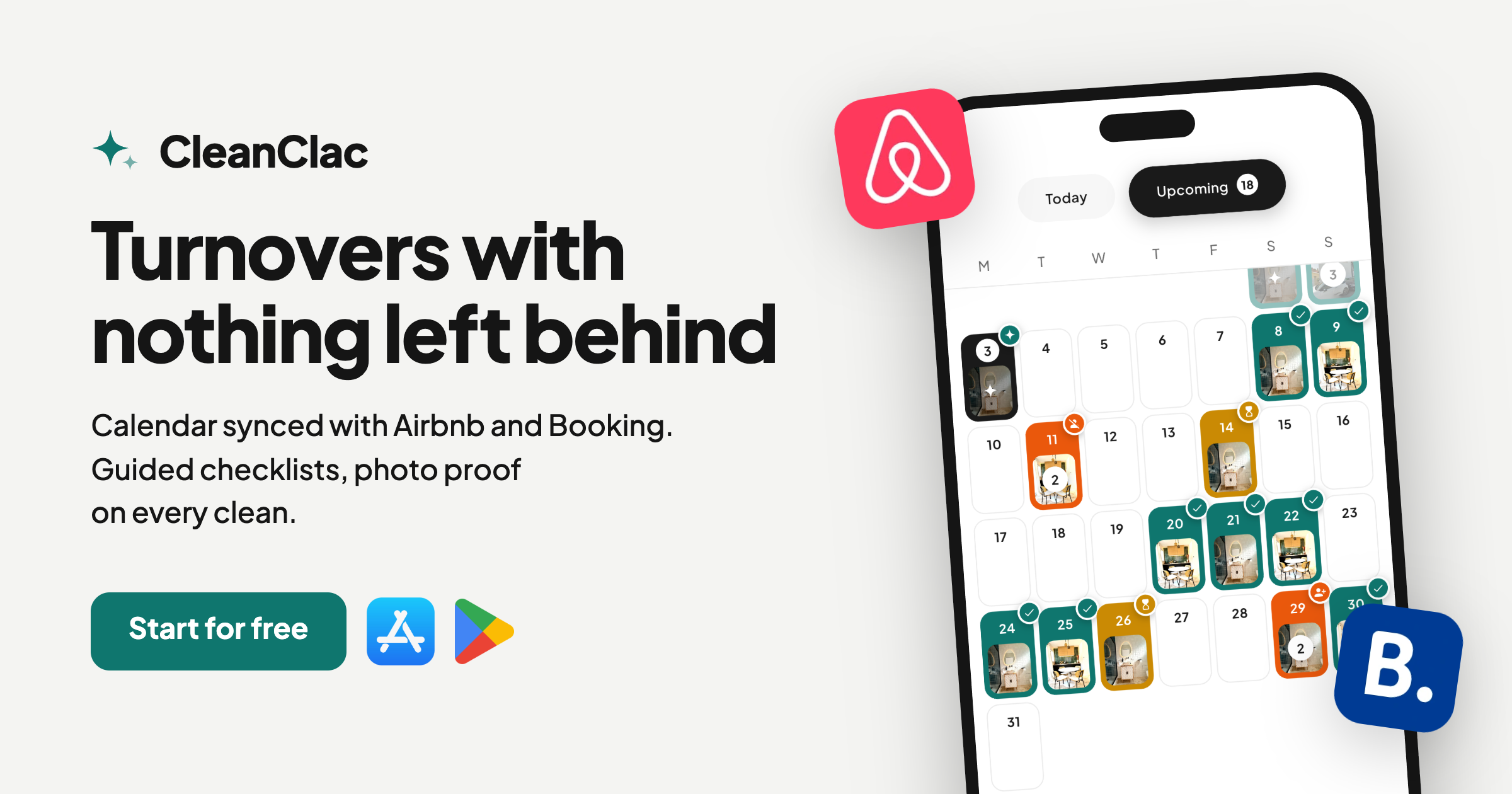
Explore the automatic cleaning schedule or compare plans and pricing directly. Your cleaners also have their own cleaner app.
FAQ
Can Octorate handle cleaning on its own, without another tool?
Yes, for the basics: task assignment, property status tracking and end-of-clean notifications, according to the platform's review listing. Property managers working with multiple independent cleaners, photo proof and stock tracking generally add a dedicated tool. The two work together, with the PMS remaining the source of reservations.
Do you need to be a developer to connect Octorate to a cleaning tool?
No. A calendar sync or a connection offered by the tool is enough in most cases. API access goes through Octorate's Partner program and is mainly relevant for custom development projects.
What happens if a guest cancels or changes their stay?
The schedule must recalculate from the updated booking: the job is moved or removed, and the cleaner is notified. Run a test with a dummy booking during setup to see how this behaves across your properties. Always update the stay in Octorate, nowhere else.
What if my cleaner is unavailable at the last minute?
You can reassign the job to another team member invited in the tool. CleanClac also lets you find a local cleaning provider in case of an emergency, at no extra cost.
How many properties do you need before it pays off?
Plans start at €9.99 per month for 2 properties. Compare that figure to the time you spend sending schedules and chasing cleaners: automation pays for itself as soon as checkouts become frequent.
Sources
- Octorate (Property Management System), review listing
- Octorate France, solutions for hotels and rentals


