Offline mode for cleaning apps: how it works
Learn what a cleaning app's offline mode lets your cleaners do without signal, how sync works when they reconnect, and how to prepare their phones before each job.

Jonathan Lalinec

A cleaning management app's offline mode lets a cleaner keep viewing their assignments and saving their work without a network connection. The data they need is copied to their phone, then sent to the server as soon as the connection comes back. That matters a great deal in a basement, a stairwell or an older building with thick walls. It also comes with a few things to keep in mind: what gets loaded in advance, what waits in a send queue, and what can go stale. Here is how it all works and how to get your team ready.
In brief
- Offline, the app works from a local copy of the data downloaded beforehand. Changes sync when the connection returns.
- According to the tools documented here, a cleaner can view their tasks and forms already loaded, tick items, add comments and take photos that are sent later.
- The limits are well defined: data is only loaded for a few days, lists go stale after a few hours, and map backgrounds require a connection.
- The core habit: open the app on Wi-Fi or 4G/5G before entering the property.
- A good cleaning tool is judged on simplicity for the cleaner, photo evidence and tracking, whatever the signal.
Contents
- What does offline mode really mean for a cleaning app?
- Why signal drops exactly where cleaners work
- What a cleaner can do with no connection
- How changes sync when the connection returns
- The limits to know before relying on offline mode
- Preparing a cleaner's phone before a job with no signal
- What a cleaning tool needs, with or without a network
- Our view: simplicity for the cleaner first
- Complete cleaning tracking built for the field
- Organising your team so signal is never an issue
- FAQ
- Sources
What does offline mode really mean for a cleaning app?
The term refers to a specific architecture, often called offline-first. After an initial download, the data the user needs is copied to the device. Microsoft Learn describes this approach: the user works with that local data, and any changes sync to the server when the connection returns. An internet connection is still essential at some point, at least for syncing.
This design has a real practical advantage. The app responds quickly because it reads data already on the phone, and it handles changes in connectivity without locking up. For a cleaner turning over three properties in a day, moving from a well-covered neighbourhood to an underground car park, that is the difference between a checklist that loads and a blank screen.
One common confusion is worth flagging. Searching for "offline mode" online mostly returns results about Outlook, browsers or Messenger, where "offline" means invisible or disconnected. Here it means something different: working in the field without a network, with automatic catch-up afterwards.
Why signal drops exactly where cleaners work
Short-term rental cleaning takes place in locations where coverage is patchy:
- cellars, basements and car parks where linen and supplies are stored;
- older buildings with thick walls and utility rooms;
- mountain resorts or rural properties in low-coverage areas;
- properties whose Wi-Fi is switched off between stays, or whose password has not yet been passed to the cleaner.
Mobile form providers describe the same need. Kizeo Forms states that forms remain usable in dead zones, basements, tunnels and remote sites, with every entry saved on the device until the connection returns. A holiday rental fits every one of those situations.
What a cleaner can do with no connection
The scope varies by tool. Published documentation gives a good sense of what is generally supported.
According to the BriqSafe documentation, a cleaner can keep viewing visits, tasks and forms already loaded, then save readings and status changes locally. On the Touch2build side, offline actions include creating, editing, resolving and closing tasks, as well as adding comments, photos, annotations and time entries. Plans and tasks for the active project stay on the phone.
Translated into rental cleaning terms, that covers these actions:
- opening the property's task list;
- ticking items on the checklist room by room;
- taking inspection photos;
- flagging a missing consumable or a defect;
- closing out the clean.
What still requires a connection is anything loaded in real time. Touch2build notes, for example, that map backgrounds need a connection; offline, only areas already displayed remain visible. The same principle applies to any data not preloaded: a new booking, a last-minute note or a message from the manager will not appear until the cleaner reconnects.
How changes sync when the connection returns
Syncing follows a queue logic. In BriqSafe, readings, completions, visits and re-openings are saved on the device, and photos are placed in a send queue until the connection returns. Once the network is back, the queue empties in the background. The cleaner can check the pending-changes counter, use "Send now" when the network is available, then "Get latest data" once the queue is clear.

The timing varies by product. Touch2build syncs when a project is opened, when the user returns to the app, every five minutes while the app is open, in real time when a colleague makes a change, and in the background when the app is closed. One useful detail: a task created offline is first given a temporary number, then the server assigns its permanent number, which may be different.
For a manager, the consequence is straightforward. A cleaning report may arrive with a delay: the clean is done, the evidence is on the phone, but it only appears in the dashboard once syncing completes. That delay is not the cleaner forgetting to report.
The limits to know before relying on offline mode
Offline mode is not a full mirror of the server. Three cautions come up repeatedly in the documentation.
Data is limited to what was loaded
Microsoft Learn notes that rows visible offline come from the local database and may therefore differ from those visible online. The offline experience must be configured and the data downloaded upfront. In BriqSafe, the automatic cache contains only the cleaner's own visits dated yesterday, today or tomorrow, along with their associated tasks. A cleaner covering for a colleague at short notice must therefore have a signal to retrieve the new assignment.
Lists go stale
BriqSafe warns that offline lists and thresholds can become outdated after around 12 hours, and that a reconnection is requested after around 24 hours to fetch the latest data. For a cleaner who leaves early in the morning with a schedule loaded the evening before, that is worth noting: a last-minute change will not be visible.
Changes can be rejected
If a permission has changed or a task has been deleted in the meantime, syncing may reject a change. Touch2build then displays the list of rejected changes: the cleaner can retry or discard. Discarding a task creation also deletes its local comments, time entries and photos. If the session has expired, logging back in is enough to resume syncing. A good rule of thumb: never discard a rejected change without checking with the manager whether the photos need to be kept.
Preparing a cleaner's phone before a job with no signal
These tips come from good field practice rather than any single piece of documentation. They follow directly from the principles above: anything needed offline must be loaded first.
- Open the app on a network. At the previous property's Wi-Fi, at home, or on 4G/5G, before entering a basement or a poorly covered building. Opening the app usually triggers the loading of the day's assignments.
- Load the evening before. Because lists can go stale within a few hours, a second load on the morning of the clean avoids working from an outdated schedule.
- Check that the assignments display. A quick look at the day's list and the checklists is enough, before cutting the connection or setting off.
- Keep storage and battery free. Photos accumulate on the phone until they have been sent. A full storage will block the camera.
- Allow the app to run in the background. Some phones kill inactive apps, which delays photo sending.
- Reconnect as soon as possible. On leaving the property or at the next Wi-Fi point, open the app and wait for the pending-changes counter to reach zero before closing it.
- Keep a simple backup. An access code noted separately, in case entry to the property depends on information loaded online.
For the manager, the instruction to give the team is short: "open the app before you arrive, and open it again when you leave".
What a cleaning tool needs, with or without a network
Offline mode is just one criterion among many. A cleaning app that works for a host or a property management company should be judged on several points:
| Criterion | What it gives the manager |
|---|---|
| Schedule built from bookings | No manual entry at every checkout or check-in |
| Individual access per cleaner | Each person sees only their own assignments |
| Guided checklist | A consistent clean across every property |
| Timestamped photo evidence | A record for disputes or guest reviews |
| Consumables tracking | Alerts before stock runs out |
| PMS compatibility | No double entry with your existing tools |
On each of these points, our approach is set out in the dedicated pages: the automatic cleaning schedule, the guided illustrated cleaning checklist and the cleaning report with timestamped photos.
Our view: simplicity for the cleaner first
When people talk about cleaning in short-term rentals, they tend to think about technology first. Yet the main cause of a failed clean is almost never technical. It is information that does not reach the right person at the right time.
That is why we built CleanClac around a very simple mobile interface, with individual access for each cleaner. They open the app, see their properties for the day, follow the checklist and send their photos. We aim for a tool a cleaner understands in a few minutes, with no training needed.
For the manager, the schedule is built from Airbnb, Booking.com, Vrbo, Abritel and the main PMS platforms. Notifications go out automatically, reports with photos and videos come back in, and stock tracking alerts you before anything runs out. Our model charges no commission on services, and you can invite your own team or find a local provider in an emergency, at no extra cost.
Our advice: choose your tool by starting from where your cleaners actually work, the phones they use and the habits they already have, then give them one clear instruction on how to prepare before each clean.
Jonathan
Complete cleaning tracking built for the field
If you manage several properties, CleanClac automates the schedule from your bookings, notifies each cleaner, centralises cleaning reports and tracks your consumables. Pricing is per active property: there is a free plan, then 9.99 € per month for 2 properties, 14.99 € per month for 3 or 4 properties and 19.99 € per month for 5 properties, with 4 € per month for each additional property. On annual billing, the rates are 59.99 € per year for 2 properties and 119.99 € per year for 5 properties, which works out at 24 € per year per additional property. Full details are on the pricing page.
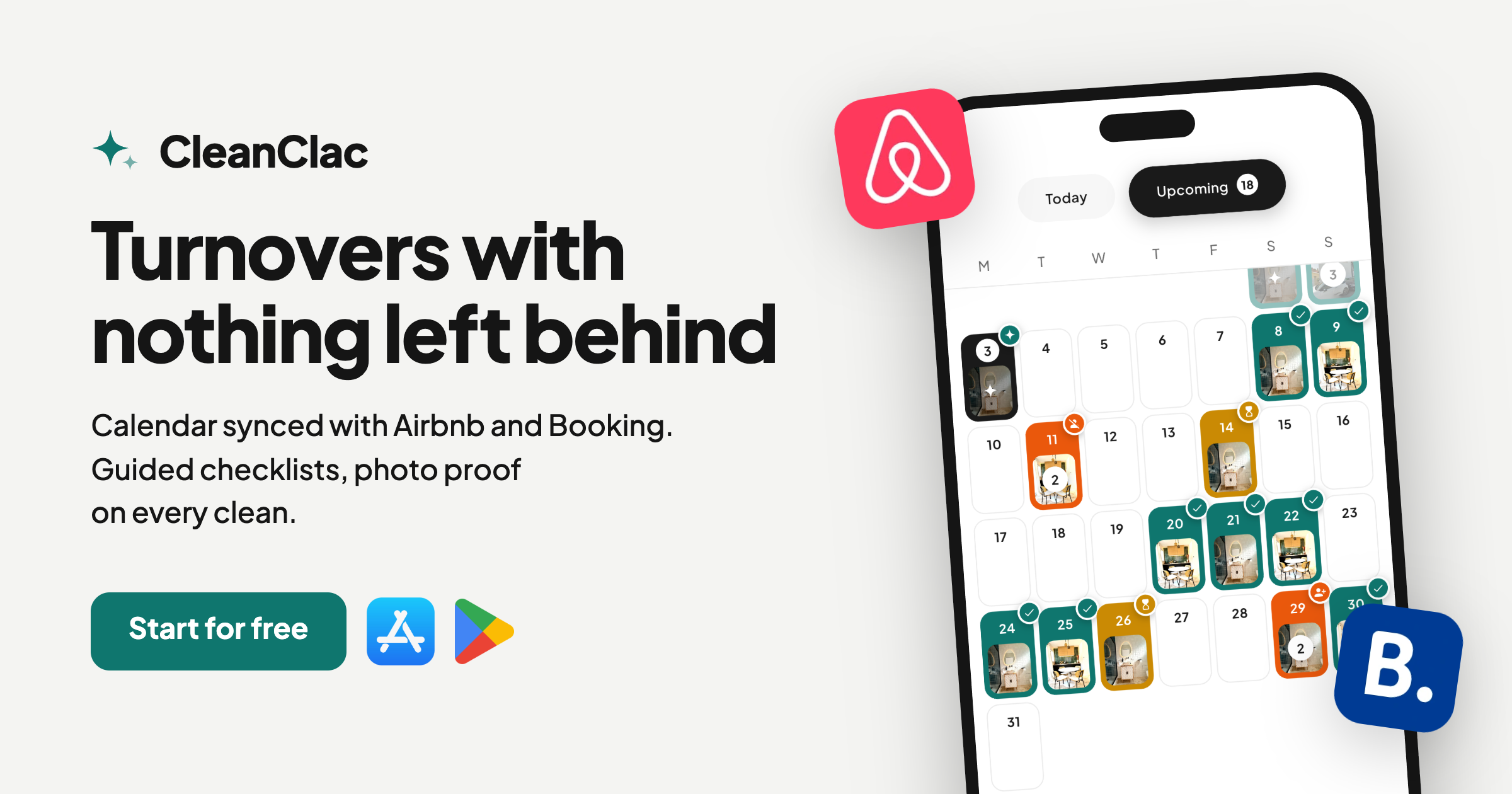
Your cleaners also have a dedicated cleaner app, and stock management prevents you from running out of consumables between cleans.
Organising your team so signal is never an issue
Beyond the tool itself, a few organisational habits reduce the impact of dead zones:
- A stable schedule the evening before. The earlier the schedule is locked, the fewer changes need to be sent during the day.
- A clear, familiar checklist. A cleaner who knows the task list does not need to re-read it at every step. Our list of 166 illustrated cleaning tasks is a good starting point, and the complete checklist with nothing left out helps you build your own.
- A signal spot for each building. Identify where the signal returns in each building (landing, entrance, street) and note it in the property file.
- A reachable point of contact. One person who can answer a cleaner's question as soon as they get a signal.
- A planned deep clean. For heavy seasonal turnovers, a seasonal deep-clean protocol avoids last-minute surprises.
Transparency with guests gains from this too: the guest cleaning card shows what has been done in the property.
FAQ
What does offline mode mean on a phone?
It is a mode in which an app works from data already stored on the device, with no internet connection. Any actions taken are saved locally, then synced to the server when the connection returns. It is not the same as airplane mode, which cuts all connections on the device, nor is it the same as appearing "offline" in a messaging app.
What should I do if photos or tasks fail to sync?
Start by reconnecting to a stable network and reopening the app. If the session has expired, log back in to resume syncing. If a change is rejected, check the list of rejected changes, then retry or discard. Be aware that discarding a creation also deletes its local items, including photos. If the problem persists, contact your app provider's support team.
How long does offline data stay reliable?
It depends on the tool. For example, BriqSafe states that lists can become outdated after around 12 hours and requests a reconnection after around 24 hours. The safest habit is to reload the schedule on the morning of the clean, while connected.
Can a cleaner work in a basement or a dead zone?
Yes, provided the app supports offline mode and the assignments were loaded before entering. The cleaner can then view their checklist, log their readings and take photos, which will be sent when the connection returns. Without prior loading, the screen can only show whatever is already stored on the phone.
Sources
- Mobile Offline overview for model-driven apps, Microsoft Learn
- Working offline during a visit, BriqSafe
- Offline mode and syncing, Touch2build user guide
- Offline data collection, Kizeo Forms


