Automate Your Cleaning Schedule for Short-Term Rentals
Learn how to share and automate your cleaning schedule between owners and cleaners, with photo verification and real-time dashboards to prevent missed turnovers.

Jonathan Lalinec
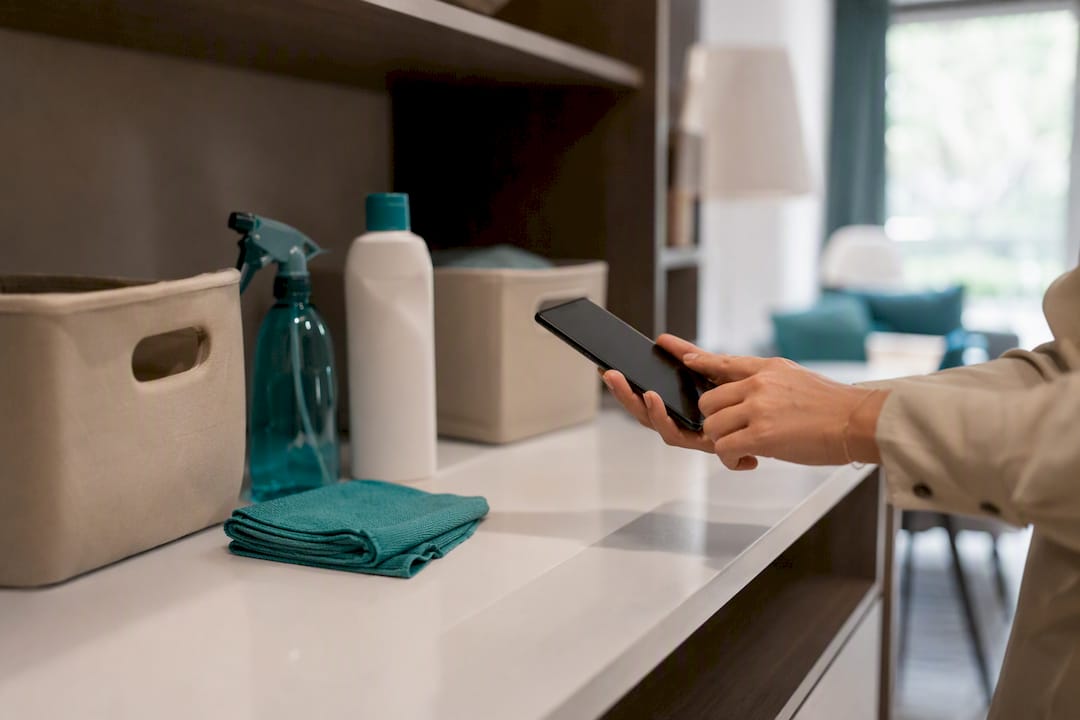
To share and automate a cleaning schedule between owners, managers, and cleaners, the most reliable method is to sync your booking calendar with a system that automatically creates jobs, assigns them to mobile cleaners, and requires photo verification at every closure. This kind of automation, triggered directly by reservations, reduces human error and coordinates jobs the moment a checkout is confirmed, with no need for a manager to call anyone.
In practice, the workflow rests on four elements:
- A confirmed reservation automatically triggers the creation of a cleaning job.
- A cleaner is assigned based on a rotation or an assignment rule set up in advance.
- Each cleaner accesses their job from their smartphone, with a mandatory checklist and photo verification.
- Automatic notifications and reminders prevent anything from being missed before the next guest arrives.
Key takeaways
Schedule automation works when it connects the booking calendar, cleaner assignment, and photo verification in a single continuous flow.
| Point | Details |
|---|---|
| Booking sync | A confirmed checkout must automatically trigger the creation of a cleaning job. |
| Mandatory photo verification | Requiring a photo at the close of every job is the most reliable and easiest quality check to deploy. |
| Buffer time setup | Allowing a turnover window of 1 to 3 hours depending on the property prevents guests arriving before cleaning is done. |
| Pilot testing | Refine your assignment rules on a handful of properties before rolling out across the full portfolio. |
| CleanClac as an integrated solution | The app syncs bookings, checklists, and individual mobile access for each cleaner, with real-time reporting. |
Contents
- What steps should you follow to automate schedule sharing?
- What should you confirm before launching automation?
- Who does what in a shared schedule?
- How do you handle a last-minute cleaner substitution?
- Why CleanClac fits this need precisely
- Try CleanClac to automate your cleaning schedule
- Sources
- Frequently asked questions
What steps should you follow to automate schedule sharing?
Setting up an effective sync between your booking calendar and cleaning jobs follows a logical order. Skipping a step, especially the buffer time setup, is the most common cause of failed turnovers.
- Connect your booking channels. Link Airbnb, Booking.com, Vrbo, or your PMS to your cleaning management system. This connection must cover every active channel for each property, not just the primary one.
- Define the job trigger. The standard rule: a confirmed checkout automatically generates a job, with no manual approval in between.
- Set the buffer time and turnover duration. A standard turnover typically takes between 1 and 3 hours, at an indicative cost of $150 to $300 USD depending on the size of the property and the local market. This benchmark helps you calibrate the window between checkout and check-in without underestimating it.
- Configure assignment rules. A rotating schedule across multiple cleaners, a fixed assignment per property, or manual allocation for special cases: the right choice depends on your portfolio size.
- Activate automatic confirmations, reminders, and substitutions. If a cleaner does not accept a job within the set timeframe, the system should send a follow-up and then offer the job to a backup.
- Test on a pilot group of properties. Refining buffers and checklists on a small group avoids disrupting your entire portfolio if something is not calibrated correctly.
Pro tip: Never configure all your assignment rules before you have tested the sync itself on three or four properties. A buffer that is off by an hour across a hundred listings costs far more to fix than a failed test on five.
What should you confirm before launching automation?
Before any rollout, an operational checklist prevents the oversights that stall a turnover mid-season. A centralised system that connects the calendar, digital checklists, and verification photos eliminates coordination errors and lets the operation scale without hiring a full-time coordinator.
- Your PMS or channel manager integrations are active and tested on every property.
- Every cleaner has an individual profile with a working mobile login, not a shared account.
- A standardised checklist or procedure, room by room, is attached to each job type.
- Linen and supply levels are defined for each property. Without this, they become the most common bottleneck causing delayed turnovers.
- An escalation procedure and an emergency contact are identified for unexpected situations.
A local cleaning partner can also help you review your own procedures on the ground, for example by using a detailed end-of-tenancy checklist as a reference for structuring your own standards.
Who does what in a shared schedule?
A shared schedule without clear boundaries often creates more confusion than no schedule at all. Every role must know its exact responsibility and its deadline for action.
- The owner or manager sets the expected service level, monitors dashboards, and steps in only when an alert is raised.
- The cleaner receives the job on their smartphone, follows the checklist, takes the required photos, and closes the job from their app.
- Job acceptance must happen within a short window, usually less than an hour after notification, with an automatic follow-up if there is no response.
- The escalation procedure identifies a backup contact in advance, not someone to search for on the day itself.
Documenting these roles as written procedures also makes it easier to onboard a new cleaner, who can understand exactly what is expected without a lengthy verbal briefing.
How do you handle a last-minute cleaner substitution?
A sick cleaner or an unexpected overlap should never result in a property that is not ready at check-in.
- The system automatically offers the job to a backup based on priority criteria: proximity, availability, and performance rating.
- For a compressed turnover, a shortened checklist applies, but photo verification remains mandatory before closing the job.
- Any maintenance issue spotted during cleaning is reported directly from the app and converted into a tracked ticket.
- The buffer time built in at the setup stage absorbs most delays, which significantly reduces the risk of a guest arriving to an unready property.
Why CleanClac fits this need precisely
CleanClac was built for exactly this use case: automatically syncing Airbnb and Booking.com reservations with cleaning job creation, and delivering real-time reports on the status of every property through the cleaning management app.
- Every cleaner has their own smartphone login, which eliminates manual handling and the shared accounts that cause errors.
- Supply tracking and photo proof at every turnover provide concrete quality control, property by property.
- Centralised dashboards show at a glance which properties are ready and which need attention.
Pro tip: Before adding complex automation rules, activate mandatory photo verification first. It is the simplest quality filter to put in place and the one that prevents the most unpleasant surprises for guests.
Field tips: quick wins
The most common trap is trying to automate all assignment rules before photo verification is even secured. Start small: two or three properties, a simple checklist, and measure the actual time each turnover takes before expanding. Linen levels deserve particular attention since they block more turnovers than any software bug. Once those foundations are in place, advanced automation becomes a genuine time-saver rather than a source of new problems.
Try CleanClac to automate your cleaning schedule
CleanClac puts everything described here into practice: automatic sync with Airbnb and Booking.com, cleaner assignment, digital checklists with photo verification, and real-time reports accessible from a single dashboard.

Check the pricing from €2 per property or compare options directly on the CleanClac product page to see how booking sync and photo checklists fit into your existing calendar. If your usual cleaner is unavailable, you can also find a local cleaning professional through CleanClac without interrupting your turnover.
Sources
- Airbnb automation: 9 steps to simplify rental management
- Vacation rental housekeeping: building a consistent cleaning operation (2026)
- Short-term rental maintenance: the best tools in 2026
Frequently asked questions
How do I sync a cleaning schedule with Airbnb?
Connect your PMS or booking channels directly to your cleaning management system so that a confirmed checkout automatically creates a job without any manual approval.
What is the standard window between a checkout and the next check-in?
How do you handle a cleaner who is unavailable at the last minute?
Does CleanClac give each cleaner individual access?
Yes, every cleaner has their own smartphone login on CleanClac, which eliminates shared accounts and makes it easy to track individual jobs and performance.
What should I check before launching schedule automation?
Confirm that your PMS integrations are active, that every cleaner has a working mobile profile, that checklists are attached to jobs, and that linen levels are defined for each property.


