From paper to app: the method that actually works
Learn how to move from paper to an app in three key steps: a short pilot, zero re-entry, and on-the-job training that sticks.

Jonathan Lalinec
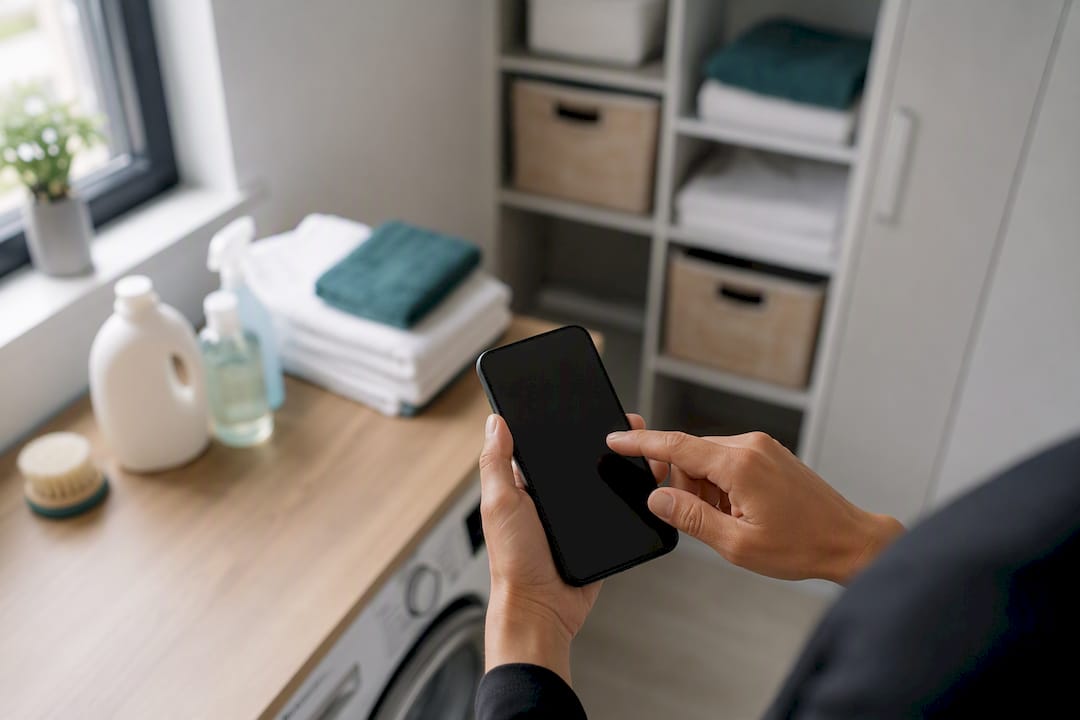
To replace paper with an app, run a 2-to-4-week pilot on a single workflow, aim for zero re-entry before cutting paper, and train your team on the job rather than in a classroom. This trio solves most of the blockages seen in failed transitions.
- Short pilot: 2 to 4 weeks maximum, on a narrow scope (work orders, cleaning, invoicing).
- Zero re-entry as the goal: as long as someone is copying information from paper to screen, the migration is not complete.
- On-the-job training: walk your team through their real tasks, not a textbook scenario.
CleanClac applies this logic to cleaning management for short-term rentals, where the re-entry rate and invoicing turnaround serve as the key success indicators.
Key takeaways
Moving from paper to an app succeeds when a short pilot, a zero re-entry goal and on-the-job training are applied together, not separately.
| Point | Detail |
|---|---|
| Limit the double-run | Keep paper and app running side by side for 2 to 4 weeks at most, to prevent old habits from taking hold. |
| Target zero re-entry | Track this rate as your central indicator: as long as it exists, the migration is not done. |
| Redesign rather than copy | Rebuild the form to cut steps out, instead of reproducing the paper version as-is. |
| Train in the field | Accompany your team through their first real tasks rather than running a classroom session. |
| Automate scheduling with Cleanclac | Cleanclac eliminates cleaning schedule re-entry by generating it from your bookings, with individual mobile access per operative. |
Contents
- Why teams resist moving from paper to an app
- The 5-step method for replacing paper with an app
- How to scan, organise and back up your documents
- How to run the pilot and train your team in the field
- Which mistakes cause a digital transition to fail?
- What timeline and KPIs should you track for the transition?
- How Cleanclac puts this switchover method into practice
- What to do with existing paper documents during the transition
- What the short-method reveals about failed transitions
- Cleanclac automates your cleaning schedules while you handle the rest
- Sources
- Frequently asked questions
Why teams resist moving from paper to an app
Three fears come up almost every time. The first is surveillance: an operative who gets a notification for every task may think they are being timed. The second is the loss of a comfortable habit, since paper is forgiving of mistakes and familiar after years of use. The third, less often said aloud, is the fear of not being at ease with a smartphone.
Addressing these concerns requires transparency about how collected data is used, and above all internal champions. Involving a willing team member as a relay drives adoption far more effectively than a management memo, because they convince with concrete arguments: fewer trips to hand in a form, less re-entry at the end of the day.
- Show a visible gain within the first week (time saved, a trip avoided).
- Choose a champion respected by their peers, not necessarily the most tech-savvy person.
- Train on the actual tasks of the day, not a fictional scenario.
Pro tip: Never present the app as a monitoring tool. Present it as what saves them from doing the same work twice.
The 5-step method for replacing paper with an app
Switching from paper to an app does not happen over a weekend, but the sequence stays short when it is well scoped.
- Choose a high-value scope. Work orders or invoicing are good starting points because they generate quick wins that are visible early on, which makes it easier to roll out more broadly afterwards.
- Launch a small pilot group. Three to five people are enough to test in real conditions without halting the whole operation.
- Redesign the form, do not copy it. Reproducing a paper document as-is wastes the point of going digital: remove redundant fields, automate notifications and reports.
- Train in the field. Accompany your team through the first real tasks in person rather than handing out a PDF guide.
- Cut the paper and measure. Set a switchover date and track the re-entry rate, invoicing turnaround and actual adoption rate.
The double-run phase deserves particular attention: it must stay limited to 2 to 4 weeks, otherwise teams get used to running both systems in parallel indefinitely, and paper becomes the default fallback at the first sign of doubt.
How to scan, organise and back up your documents
Not everything deserves to be scanned first. Start with the documents you consult most often: work orders, invoices, service contracts, property condition reports. Dormant archives can wait.
For scan quality, three standards apply today: PDF or PDF/A format for longevity, a resolution of 300 DPI, and OCR enabled to make text searchable. Apps such as Adobe Scan correct perspective and apply OCR automatically, while OneDrive offers mobile capture synced across all devices.
Consistent file naming prevents endless searches six months later:
| Element | Example |
|---|---|
| Recommended format | YYYY-MM-DD_Type_Description |
| Concrete example | Invoice_ClientDupont |
| Backup rule | 3 copies, 2 different media, 1 offsite |
| Scanning session | 15 to 30 minutes a day is enough |
- Capture directly from the app rather than through the native camera.
- Organise your photos by job folder or property.
- Let the app generate the final PDF to keep a consistent format.
The 3-2-1 backup rule remains the simplest reference to remember and apply, even for a small team with no dedicated IT support.
How to run the pilot and train your team in the field
An effective pilot tests real working conditions, not a lab environment.
- Set the size and duration. Three to five users, two to four weeks, no more.
- Test the critical scenarios. Offline mode in a low-signal area, photo capture on site, electronic signature from the client.
- Stay physically present. Accompanying the first uses in a real context fixes blockages that no documentation anticipates.
- Collect weekly feedback. A short check-in each week is enough to fix poorly designed fields or overly frequent notifications.
- Run a reset review after the double-run. Sign off an acceptance checklist before cutting paper for good.
A pilot tested in real conditions, gloves, dust, weak signal, prevents you from rolling out a solution that collapses on the first difficult job.
Pro tip: Ask your pilot users to keep filling in the paper form in parallel for two weeks at most, no longer. Beyond that, nobody wants to let go of the old system.
Which mistakes cause a digital transition to fail?
Permanent double entry is the number-one failure signal: if your team is still copying information from paper to screen after the pilot, the promised value does not yet exist. Cutting paper without concrete evidence from the pilot is just as risky, since the team quickly falls back on old habits at the first bug.
- Training only in a classroom, with no real on-the-job practice.
- Ignoring warning signs: repeated complaints, workarounds, spontaneous return to the paper notebook.
- Trying to digitise everything at once rather than securing a narrow scope first.
- Underestimating the need for integration with existing business tools.
What timeline and KPIs should you track for the transition?
A realistic timeline runs 8 to 12 weeks: diagnosis and scope selection (2 weeks), pilot (2 to 4 weeks), adjustments (2 weeks), full rollout (2 to 4 weeks).
- Re-entry rate: the central indicator. As long as it stays above zero, the migration is not complete.
- Invoicing turnaround: a rapid reduction proves the new workflow is functioning.
- Adoption rate per user: measure who is actually using the app each week, not just who has downloaded it.
Weekly reporting during the pilot, led by the operations manager, lets you fix field problems before they become entrenched.
How Cleanclac puts this switchover method into practice
Cleanclac was built around this logic of gradual switchover rather than forcing a brutal change. Cleaning schedules are generated automatically from Airbnb, Booking or Vrbo reservations, each cleaner has their own mobile login, and reports include photos and videos in real time.
- Schedule generated automatically from bookings, with no manual calendar re-entry.
- Individual smartphone access for each operative, with no heavy training required.
- Supplies tracking and cleaning performance monitoring centralised in a single dashboard.
The concrete gain from an app built for the field is not the richest feature set, but the reduction in time spent doing the same thing twice: writing it on paper, then typing it into a computer.
This logic aligns with what successful field management transitions show: integration with the rest of the business tools matters as much as ease of data entry.
What to do with existing paper documents during the transition
Your paper archives do not disappear overnight, and that is fine. A successful transition handles existing documents in two distinct categories: what needs to be actively scanned, and what can remain physically archived until its legal retention period expires.
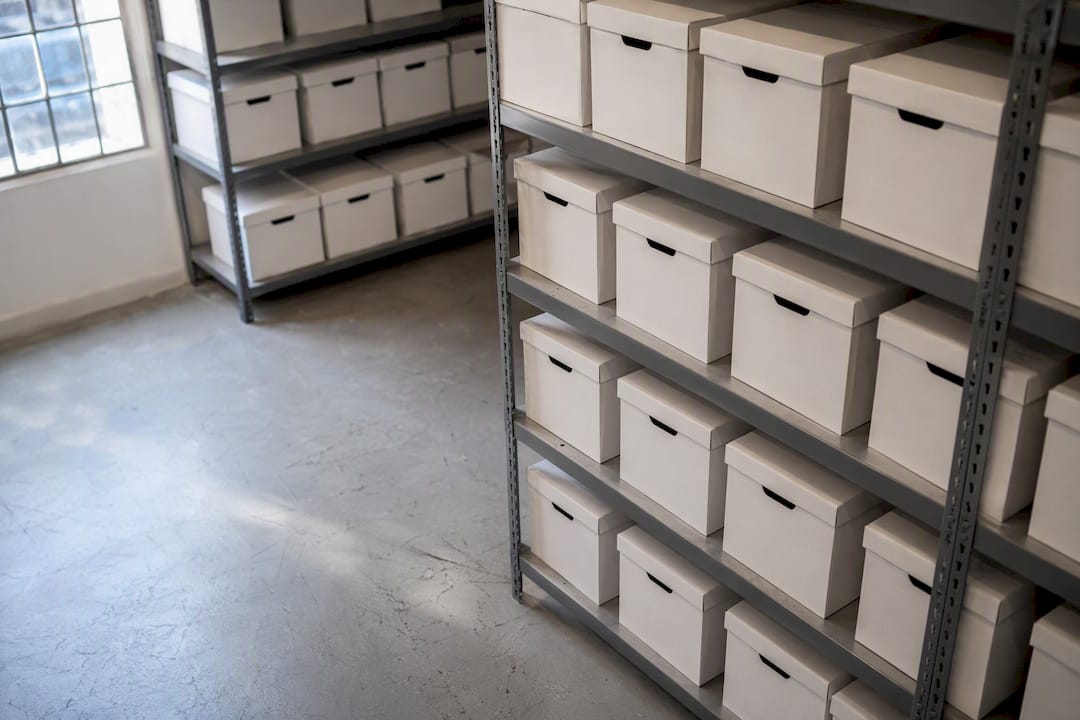
For active documents (current contracts, recent property condition reports, invoicing history from the past twelve months), scanning should be planned using the same rule as daily capture: short sessions of 15 to 30 minutes rather than a massive scanning project that drags on and never gets finished.
For dormant archives, it is not always necessary to scan everything. Many businesses keep a dedicated room or box for documents whose legal retention obligation outlasts the useful life of a digital copy, while making sure those documents remain physically accessible in the event of an audit.
The main thing to watch during this intermediate period is consistency between the two systems: a document archived in paper form should be logged in the app, even without being scanned, so that no information gets lost between the two worlds. A simple line showing the physical location is often enough to avoid endless searches later on.
What the short method reveals about failed transitions
Most paper-to-digital transitions fail less from a lack of tools than from an excess of initial ambition. The temptation is to digitise every process at once, train the whole team in a single session, and cut paper after the first promising week. This approach ignores a simple reality: adoption is built workflow by workflow, not department by department.
Most professional writing on the subject focuses heavily on choosing the right tool. That is the wrong priority. The choice of pilot scope and discipline around the double-run duration have a greater impact on the final outcome than the feature richness of the software selected. A decent app that is piloted well beats an excellent app that is poorly rolled out.
What the time-pressed reader should take away first: do not look for the perfect solution, look for the scope that will let you cut paper within three months with a re-entry rate close to zero. The rest can be adjusted along the way.
Cleanclac automates your cleaning schedules while you handle the rest
Cleanclac is the practical alternative to the paper notebook and shared Excel spreadsheet for managing cleaning across multiple short-term rentals: the schedule is generated automatically from your bookings, with no one having to re-enter a date or send a manual message.

Each cleaner receives their jobs directly on their smartphone, with individual access and photo reports included, which eliminates the re-entry that this guide identifies as the main barrier to value in a digital transition. If you manage several properties on Airbnb, Booking or Vrbo and want to automate your schedules without a complex setup, Cleanclac fits exactly the pilot scope described above: a single high-value, high-volume workflow that is easy to get started with. Discover the Cleanclac cleaning management app and start your own trial today.
Sources
- Passer du papier à mobile Twimm : conduite du changement pas à pas - Génération Entreprise
- Digitaliser Vos Processus : Du Papier à L'Application Web - Edana
- Comment passer au sans papier avec l'iPhone | ScanLens
- Document scanning with OneDrive - Microsoft
- Numériser au format PDF : Adobe Scan
Frequently asked questions
What is the best app for scanning documents?
There is no single best app for everyone: Adobe Scan excels at perspective correction and OCR, while OneDrive works well if you want direct sync with your cloud storage. The right choice depends mainly on the business tool you need to connect your scans to.
How do you scan a document with your phone?
Open a mobile scanning app, lay the document flat under good lighting, let the app correct the perspective automatically, then enable OCR before exporting to PDF. A daily session of 15 to 30 minutes is usually enough to work through a batch of documents without getting overwhelmed.
Which free app makes it easy to print and scan?
Several free mobile apps include capture, image correction and PDF export at no upfront cost, including some solutions already installed on your phone such as OneDrive. For regular professional use, check the volume limits before committing to a free tier.
Which apps do field teams use most to replace paper?
Maintenance and housekeeping teams favour apps that combine mobile capture, automatic scheduling and individual login per operative, such as Cleanclac for short-term rental cleaning management. The deciding factor is ease of use in the field, ahead of feature richness.
How long should the pilot phase last before cutting paper?
The pilot phase, also called the double-run, should be kept to 2 to 4 weeks. Beyond that, teams get used to running both systems in parallel indefinitely, which delays the full switchover.


