Sync bookings and cleaning to automate turnovers
Learn how to sync your reservations and automate cleaning tasks using iCal, API, or a channel manager to keep every turnover on schedule.

Jonathan Lalinec
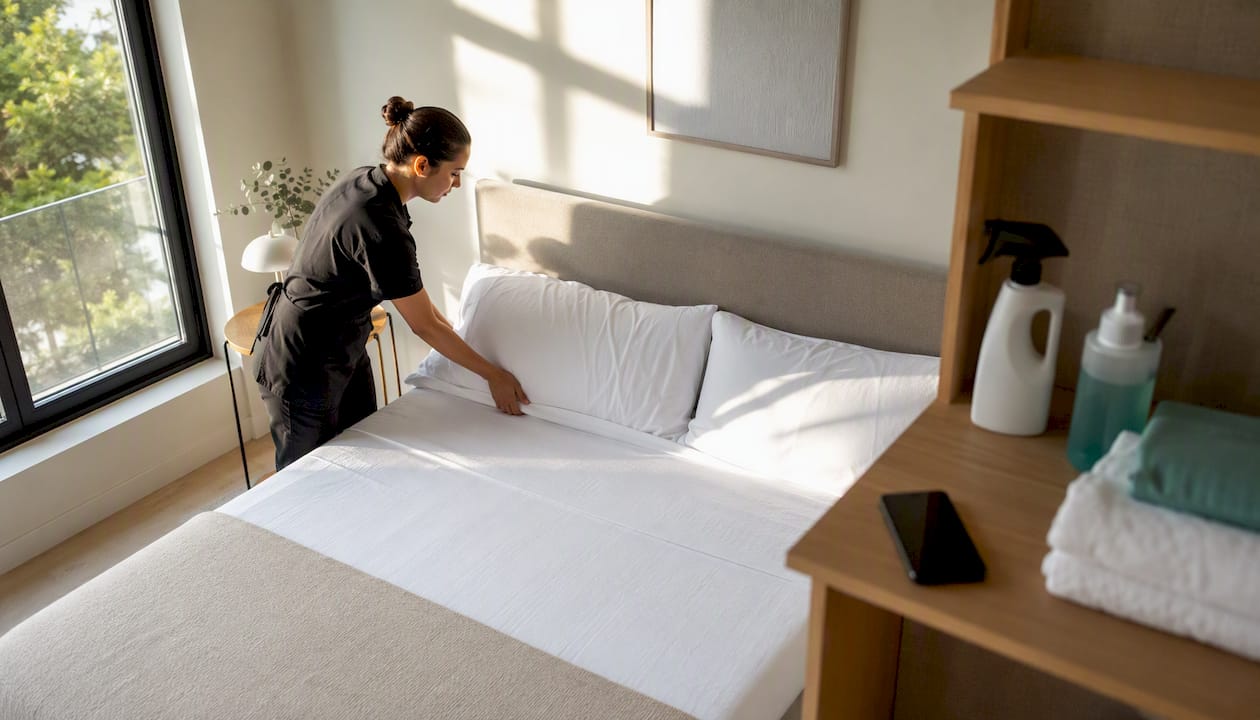
Yes, you can automatically sync your bookings to trigger cleaning tasks the moment a checkout is recorded on Airbnb, Booking.com, or Vrbo. Three technical approaches make this possible: the iCal feed, easy to set up but limited by refresh delays; the API, more reliable and near-instant; and the channel manager or PMS, which aggregates multiple platforms with advanced rules. For one or two properties, iCal is more than enough. Beyond three to five rentals, or whenever you manage several booking channels at once, an API solution or a dedicated concierge software becomes necessary to avoid gaps in your schedule.
- iCal: free, universal, but sometimes slow to refresh
- API: real-time, robust, requires a technical integration
- PMS / channel manager: centralises multiple channels with priority rules
Pro tip: before switching on automation across your full portfolio, create a dummy booking with a checkout date coming up soon and confirm that the cleaning task is generated with the correct time slot. Always add a buffer of at least 30 minutes between the scheduled checkout and the cleaning start time.
Key takeaways
Cleaning automation works when calendar sync, automatic task creation, and proof of completion are all connected within the same system.
| Point | Details |
|---|---|
| Choose the right method | iCal suits one or two properties; API or PMS is needed beyond five rentals or multiple channels. |
| Test before rolling out | Always validate with a dummy booking and a cancellation scenario before activating automation across your full portfolio. |
| Watch the time zone | A misconfigured time zone shifts all your cleaning slots and causes duplicates. |
| Require proof of completion | A timestamped photo prevents disputes about the cleanliness of a property. |
| Use an integrated solution | CleanClac connects bookings, mobile assignment, and photo reports in a single automated flow. |
Table of contents
- How does booking sync work for cleaning?
- How do you turn a booking into an automated cleaning task?
- Which integrations should you set up first?
- How do you assign cleaners and guarantee notifications?
- Why do duplicates and wrong time slots appear?
- What does automation cost and what return can you expect?
- How do you choose the right solution for your portfolio?
- Does CleanClac meet these automation needs?
- Try CleanClac on your first properties
- Sources
- Frequently asked questions
How does booking sync work for cleaning?
Three mechanisms exist, and they are not equally reliable. The iCal feed works by export and import: each platform generates a link that you paste into your cleaning tool or calendar. This is the method Booking.com recommends in its partner extranet, and Airbnb uses the same principle to block nights already reserved elsewhere. The problem is the delay: some platforms only refresh the feed once an hour, sometimes less often.
An API connection links your tool directly to the booking system. Updates arrive in near real time, which greatly reduces the risk of duplicates or missed slots.
A channel manager or PMS goes further: it aggregates multiple channels at once and applies priority rules when two bookings overlap. An industry guide ranks turnover automation in tiers, from manual shared calendars through to full orchestration, with automatic task creation marking the real shift towards operational efficiency.
Pro tip: if you manage fewer than three properties on a single platform, do not over-invest in a complex API. iCal does the job, as long as you accept a safety buffer on your timing.
How do you turn a booking into an automated cleaning task?
Moving from a synced calendar to a cleaning task that actually fires requires precise configuration, not just a technical connection.
- Connect the source: link your Airbnb, Booking.com, or Vrbo account via iCal or API depending on the tool you choose.
- Check the time zone: one error here shifts every task by several hours, a point that comes up repeatedly in documentation on booking calendar synchronisation.
- Choose the connection method: iCal for simplicity, API for responsiveness.
- Define the trigger rule: every checkout must automatically generate a cleaning task, with a realistic estimated duration based on the size of the property.
Certain operational rules make a real difference in practice:
- A buffer of at least 30 to 60 minutes between checkout and the next check-in
- A cleaning duration adjusted to the property type (studio versus three-bedroom apartment)
- A specific process for late checkouts or early check-ins, which are often negotiated case by case
Before rolling automation out across your full portfolio, test it on a complete scenario: a dummy booking, then a cancellation, then a date change. Confirm that notifications follow every change correctly.
Once live, track three simple indicators: the rate of missed cleans, the average time between a task being triggered and the cleaner confirming it, and the rate of confirmations received on time.
Pro tip: keep a paper checklist as a backup during the first two weeks. It lets you compare what the automation should have produced against what actually happened.
Which integrations should you set up first?
The quality of your sync depends directly on the connections you configure from the start. Booking.com details its procedure in the partner extranet, while Airbnb explains how nights blocked elsewhere feed back into its own calendar.
A native API connection limits these delays because it pushes changes in real time, without waiting for a refresh cycle.
Consider also integrating a personal calendar such as Google Calendar, particularly to give visibility to your on-the-ground team. Google explains how to sync a calendar between an Android device and the associated account, a simple method for sharing slots with a cleaner who does not use a dedicated app.
- Airbnb and Booking.com: iCal import/export or API depending on the tool
- Vrbo: similar approach, check the announced sync frequency
- Google/Apple Calendar: useful as a complement for team visibility
- After each connection, test with a dummy booking before trusting the feed
How do you assign cleaners and guarantee notifications?
Two assignment approaches coexist. Manual assignment remains preferable for sensitive cases: a delicate property, a VIP guest, or a complex task requiring a specific skill.
For notifications, the mobile app is the most reliable channel for real-time confirmations. SMS reaches almost everyone but costs more at scale. Email works for summaries, less so for urgent situations. Feedback from hosts on specialist forums shows that many still rely on informal methods such as calendar screenshots sent by message, a practice that quickly hits its limits as volume grows.
- Confirm or decline each task directly from the app
- Schedule an automatic reminder one to two hours before the slot
- Require visual proof of task completion to limit disputes
Pro tip: without a photo at the end of a clean, a disagreement about a property's cleanliness quickly becomes a complicated case to resolve.
Why do duplicates and wrong time slots appear?
Three symptoms come up most often: duplicate bookings, missing cleaning tasks, or shifted time slots. The technical cause is almost always the same: multiple iCal feeds connected simultaneously to the same calendar, a time zone misconfigured at setup, or a platform refresh delay too long for same-day turnovers.
The fix follows a simple logic: disconnect then reconnect the feed in question, force a manual refresh if the tool allows it, then test a change on a dummy booking to confirm the fix holds.
- Make sure only one iCal feed is feeding each cleaning calendar
- Check the time zone at the very first connection, not afterwards
- Keep a manual fallback rule for the first 24 hours after any integration change
- Have an on-call contact available for unexpected cleans
A practical guide for holiday rentals notes that iCal export remains simple but prone to collisions when multiple sources feed the same calendar without a clear hierarchy between them.
Operational security and automation reliability
Limit each cleaner's mobile access to their own tasks and instructions, never to the full schedule. Set up a notification for sync failures, with manual recovery possible. Document the maintenance windows of connected platforms, and keep a task history with photo evidence for traceability.
Pro tip: a cleaner who can see an owner's entire calendar raises a real confidentiality issue with no real operational benefit.
What does automation cost and what return can you expect?
Two pricing models dominate the market: a subscription per active property, or a per-user licence covering an unlimited number of rentals. On top of that there are sometimes additional costs: a premium API connection, team training, or a separate PMS subscription if you already use one.
The return calculation is straightforward: every missed clean costs you a negative review and often a partial refund to the next guest. Reducing that risk, saving manual coordination time, and improving consistency in guest ratings is usually enough to justify the subscription within three to six months.
- Always compare the software cost against a measured operational gain, not an estimated one
- Test on a subset of properties before committing to a full subscription
You will find a detailed overview of cleaning software pricing to compare models against the size of your portfolio.
How do you choose the right solution for your portfolio?
The choice depends mainly on two factors: your volume of properties and the number of booking channels you manage at the same time.
- List your technical requirements: genuine API support, announced refresh frequency, compatibility with your current PMS.
- Check the operational criteria: modular checklists, mandatory photo proof, clear incident management.
- Ask the provider these questions: what service level is guaranteed, is there an offline mode, does the cleaner have a dedicated mobile access, what is the exact pricing model.
- iCal alone works for a small number of properties on a single platform
- A PMS or API becomes relevant as soon as multiple properties or multiple channels overlap
- A practical guide confirms this tipping point: iCal is enough at small scale, but a PMS or channel manager is needed once volume or rules become more complex
To compare several options side by side, a cleaning software comparison for 2026 will help you cross-reference these criteria before committing.
Does CleanClac meet these automation needs?
CleanClac connects directly to your Airbnb and Booking.com bookings to automatically generate each cleaning task the moment a checkout is recorded. Each cleaner has their own mobile access, limited to their tasks for the day, with integrated instructions and checklists. Real-time reports include photo evidence, which directly addresses the traceability problem raised above.
- Automatic sync of Airbnb and Booking.com reservations
- Individual mobile assignment for each cleaner
- Customisable checklists per property
- Photo evidence and real-time reports on property condition
- Local cleaner search for unexpected or emergency cleans
A manager overseeing multiple properties across several platforms can move from manual tracking by message to fully automatic assignment, with a built-in reduction in the risk of a missed clean since every checkout systematically generates a task. Combining calendar sync, automatic task creation, and checklists with proof of completion remains the most reliable setup for limiting operational errors in a growing portfolio.
What automation actually changes day to day
I noticed the difference within the first week: fewer oversights, and above all a clear record of every clean completed in case of a dispute with a guest. The real trap is automating everything at once without keeping a manual rule for sensitive cases, a delicate property or an unusually timed checkout. Start small, with two or three properties, before rolling it out further.
Try CleanClac on your first properties
CleanClac turns every Airbnb or Booking.com reservation into an automatically assigned cleaning task, without you having to monitor every checkout manually.

Each cleaner receives their task directly on their phone, complete with a checklist and property instructions, then confirms completion with a timestamped photo. You track the status of every property in real time from a single dashboard, without juggling calendars and messages. If you already manage several rentals across two or more platforms, that is exactly the tipping point where automation stops being a convenience and becomes an operational necessity. Create your account on the CleanClac product page and connect your first Airbnb or Booking.com calendar in minutes to test the sync on your real properties.
Sources
- Follow these steps to sync your calendars on …
- Syncing your host calendar with other …
- Holiday rentals and B&Bs: syncing your online calendars
Frequently asked questions
How do I sync all my booking calendars?
Connect each platform (Airbnb, Booking.com, Vrbo) via an iCal feed or an API to a central tool such as a PMS or a dedicated cleaning app, then test with a dummy booking.
What is the best app for managing cleaning?
It depends on your volume. iCal is enough for a small portfolio, while an app like CleanClac becomes worthwhile as soon as you manage several properties across multiple platforms with cleaner assignments.
How do I sync my calendar with Booking.com?
From the partner extranet, import the iCal feed from your other platforms or use the native sync feature offered by Booking.com.
What can a cleaner do in two hours?
For a studio or one-bedroom, two hours is usually enough to clean surfaces, remake the beds and check consumables, but a larger property often needs an adjusted duration built into your scheduling tool.


