Monthly Deep Cleans: the SaaS Method That Misses Nothing
Learn how to automate monthly deep cleans with a connected tool: traceable visits, zero forgotten tasks, and better guest reviews for your rentals.

Jonathan Lalinec
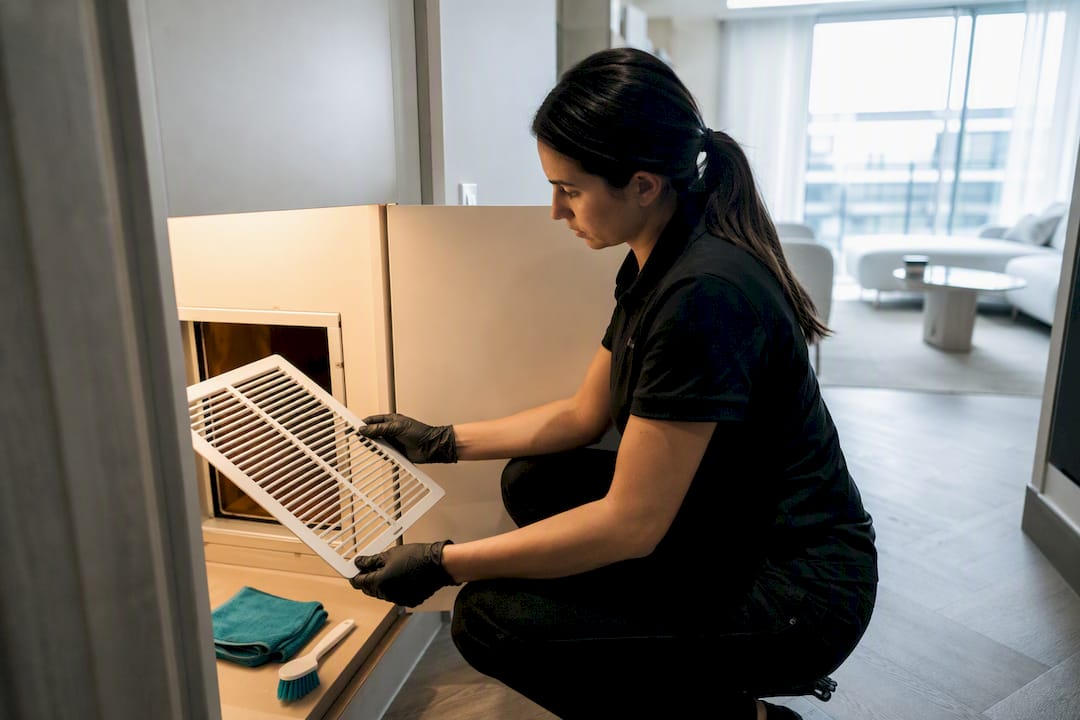
For reliable, traceable monthly deep cleans, the answer is to standardise your checklist and then automate its scheduling and oversight with a tool connected to your calendars or your PMS. That automation makes every visit traceable, eliminates the gaps that human memory leaves, and translates directly into better-maintained properties and stronger reviews. CleanClac is one of the solutions built to organise this kind of process at scale.
In brief:
- Automated scheduling via a PMS or calendar triggers the deep clean at the first available slot after day thirty, preventing missed visits and delays.
- The checklist must cover every area that standard turnovers overlook, including appliances, grout, filters, linen, technical systems and commonly forgotten spots, to deliver a genuine deep clean.
- SOPs with mandatory photos, strict acceptance rules and anomaly tracking allow the deep clean to be reproduced consistently and measured every month.
- The optimal frequency is monthly for high-turnover or pet-friendly properties; the cost varies by size and condition but is generally justified by the damage it prevents.
- Using a solution like CleanClac, which syncs calendars, sends the automated checklist and compiles reports, simplifies and secures deep clean management at scale.
Table of contents
- What should a monthly deep clean checklist include?
- How to schedule and automate a monthly deep clean with a SaaS tool
- Which SOPs and photo evidence make a deep clean reproducible?
- How often to schedule a deep clean, and at what cost?
- How to structure the monthly deep clean workflow, step by step
- Author's perspective: why automation genuinely changes property management
- CleanClac: automate your monthly deep cleans without thinking about them
- Sources
- Frequently asked questions
What should a monthly deep clean checklist include?
A monthly deep clean is not simply a longer turnover clean. It targets the areas that standard turnovers leave behind, the spots that accumulate grime slowly and eventually damage the property or trigger a negative review. A deep clean covers elements that turnovers rarely touch: the inside of appliances, grout lines, skirting boards, air-conditioning filters and linen.
A complete, operational checklist is built room by room:
- Kitchen: inside the oven and extractor hood, fridge door seals, hood filters, descaling the kettle and coffee maker, underneath the hob.
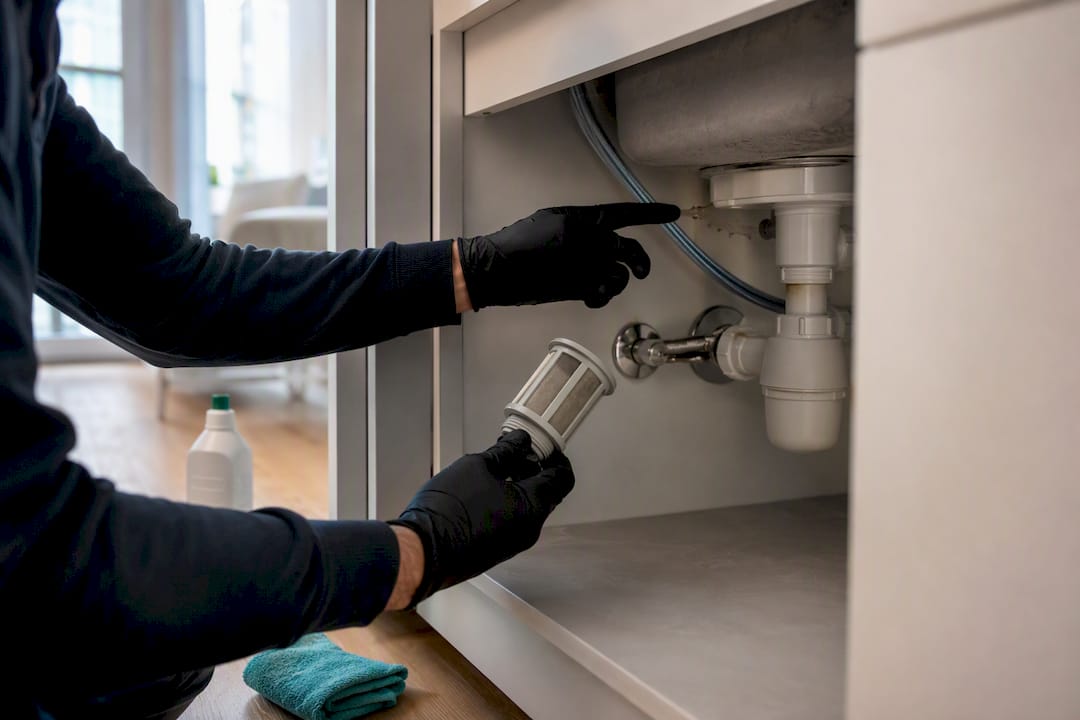
- Bathroom: descaling the shower, taps and showerhead, tile grout, mechanical ventilation, under the basin.
- Soft furnishings: curtains, decorative cushions, sofa covers, rugs vacuumed thoroughly or sent for dry-cleaning depending on the material.
- Forgotten areas: skirting boards, door and window frames, light switches, handles, underneath and behind heavy furniture.
- Technical systems: air-conditioning or ventilation filters, air vents, light bulbs and smoke detectors to test.
- Inventory: checking spare linen, welcome supplies, replacement bulbs and minor repairs to flag (hinges, tap washers, faulty sockets).
That last category changes the nature of the deep clean. It is no longer just a cleaning visit; it is also a monthly technical inspection of the property. A rental that accepts pets or runs at high occupancy benefits from going through this list every month rather than every quarter.
How to schedule and automate a monthly deep clean with a SaaS tool
Even the best checklist is useless if no one triggers it at the right time. That is where the logic changes completely once you connect the property calendar to a scheduling tool.
- Connect your calendars or PMS. iCal sync or a direct PMS integration lets the system detect checkout and check-in dates automatically, with no manual re-entry.
- Set end-of-month detection rules. Configure a rule that identifies, for each property, the first free window after day thirty since the last deep clean, with an earliest and latest time slot to give the cleaner adequate room.
- Choose an assignment method. A job can be assigned automatically to the nearest available contractor, offered manually to a fixed team, or reserved for a named operative on sensitive properties.
- Add useful integrations. Triggering the work order can also send the smart lock code and request the photo checklist, linking the PMS, the locks and the on-the-ground app so that the booking itself generates the work order.
- Track execution in real time. A centralised dashboard shows the status of every job, the photos submitted and any delays, giving a portfolio-wide view without calling each cleaner individually.
For a small portfolio, simply syncing the calendars already saves several hours of coordination per month. Across ten properties or more, that automation becomes essential for maintaining a consistent standard of cleanliness without spending an entire day on logistics every week.
Pro tip: Schedule the monthly deep clean at the first gap of three hours or more after day thirty, never on a fixed calendar date. A property with back-to-back bookings will push its window forward, and a rigid rule will eventually skip a month without anyone noticing.
Which SOPs and photo evidence make a deep clean reproducible?
"Clean thoroughly" stays a vague instruction until it is broken down into measurable tasks. Putting an SOP in place that turns this instruction into verifiable actions lets you onboard a new cleaner quickly and get a consistent result month after month.
An effective deep clean SOP defines, room by room, what "guest-ready" actually means in practice:
- A mandatory photo checklist at every critical stage (oven, shower, bedding, filters).
- Clear acceptance rules: a blurry or poorly framed photo triggers a redo request before sign-off.
- A workflow where any issue spotted automatically becomes a maintenance ticket tracked through to resolution.
- A set of metrics tracked over time: checklist compliance rate, average job duration, rejection and redo rate.
Photo evidence plays a role that is disproportionate to its simplicity. It enables remote inspection and rapid escalation to a maintenance ticket without anyone having to visit the property. Written SOPs paired with job tracking turn a process that depended on a single person into an operation that can absorb portfolio growth.
How often to schedule a deep clean, and at what cost?
A monthly cadence suits high-turnover properties or those that accept pets; a quieter rental can hold to a three-to-six-month cycle.
On cost, the price depends on the size, condition and location of the property, but a deep clean generally costs more than a standard turnover clean because of the extra time involved and the specialist products used (descalers, professional degreasers). That monthly outlay remains modest compared to the cost of an undetected problem, a leak under a unit or a clogged filter that eventually breaks down.
How to structure the monthly deep clean workflow, step by step
A successful monthly deep clean always follows the same sequence, whether the property is managed solo or by a team of ten.
- Prepare in advance. Lock in the slot as soon as it appears in the schedule and verify that stocks of specialist products (descaler, degreaser, textile bags) are sufficient via the app's inventory module.
- Brief the cleaner. Send the full checklist, access instructions and, where needed, the temporary smart lock code directly to their smartphone.
- Execute with photo prompts. Every critical step in the checklist requires a photo before it can be signed off, which structures the visit and prevents shortcuts.
- Review and consolidate. The property manager approves the report, opens a maintenance ticket for any issue spotted, and updates the SOP if a new recurring task comes to light.
Pro tip: Never close a deep clean report without checking at least one photo taken from a different angle than in previous reports. A cleaner in a hurry always photographs the same easy spot; varying the required angle reveals the corners that get skipped.
Author's perspective: why automation genuinely changes property management
The real gain is not the time saved on scheduling, real as that is. It is the disappearance of uncertainty. A property manager who receives a photo report in real time knows, before the guest arrives, whether the property lives up to the listing. That mobile visibility for cleaners, combined with centralised reporting, turns a business built on trust into one built on evidence.
, Jonathan
CleanClac: automate your monthly deep cleans without thinking about them
CleanClac is the solution designed to turn your deep clean checklist into automatically scheduled jobs, with no manual re-entry month after month.

In practice, the app syncs your calendars and PMS to detect the right cleaning window, sends the photo checklist to the assigned cleaner on their smartphone, and centralises every report in a dashboard you can consult in real time. You keep a complete record of every visit, supply levels and each cleaner's performance, which prevents the oversights that end up as negative reviews. To go further on automation, browse our guides on tooling and automation, or try the cleaning management app on your own properties starting this month.
Sources
To go deeper on checklists and costs, see the Airbnb cleaning software comparison 2026 and the guide on positioning cleaning companies.
Frequently asked questions
What sets a monthly deep clean apart from a standard turnover clean?
A deep clean targets the areas that daily turnovers overlook: the inside of appliances, ventilation filters, skirting boards and grout lines, plus a full inventory check and a review of minor repairs.
How often should a deep clean be scheduled?
A monthly cadence suits high-turnover properties or those that accept pets; a three-to-six-month cycle is enough for a quieter rental.
How do you automate deep clean scheduling with a SaaS tool?
By connecting your iCal calendars or your PMS to a scheduling tool that automatically detects the next available window and assigns the job to a cleaner.
Why require a photo checklist at every deep clean?
Photos allow remote inspection, serve as evidence in a dispute, and automatically trigger a maintenance ticket whenever an issue is spotted.
How long does a deep clean take depending on the property type?
Allow around two hours for a studio, three to four hours for a one- or two-bedroom property, and half a day for a large house.


