Connect Vrbo to your cleaning software in 5 steps
A checklist and 5 steps to connect Vrbo, test the sync, and automate your cleaning tasks. Real CleanClac results included.

Jonathan Lalinec

The Vrbo cleaning integration works. It lets you automate job creation the moment a booking comes in. Two routes exist: the API/SSO connection, which is the more complete option, or iCal as a fallback when the API is not available. Before you start, gather your credentials and the list of your listings, ask your account manager to enable the integration, then make a test booking to validate the whole circuit.
In brief:
- API sync via SSO is recommended for full automation, especially for a portfolio of more than five properties.
- Merging all your Vrbo accounts before the integration is critical to avoid listing-match and rate errors.
- Cleaning fees and extras do not sync automatically, so include them in the rate or the listing description.
- Check that every listing matches exactly, that the calendar is current, and test a cancellation before going live.
- CleanClac automates job creation, with mobile confirmation, checklists, photo proof and real-time tracking to streamline every turnover.
Table of contents
- Technical checklist before connecting Vrbo to your cleaning software
- How to activate the Vrbo cleaning integration, step by step
- What limits does the Vrbo sync impose day to day?
- Setting up workflows for your cleaning teams after the sync
- How to confirm the integration is really working in production
- What real-world use of the Vrbo integration reveals
- CleanClac turns every Vrbo booking into a ready-to-go job
- Sources
- Frequently asked questions
Technical checklist before connecting Vrbo to your cleaning software
Before you contact support, it pays to have everything ready. Vrbo and software providers almost always ask for the same information. Having it on hand saves several back-and-forth emails.
On the admin side, prepare your Vrbo account ID, your account manager's contact details if you have one, and your login credentials for your cleaning management software. For your listings, Vrbo requires a title of at least 20 characters, a description of at least 400 characters, six or more photos, a valid address, an up-to-date calendar and a configured payment method for a listing to remain publishable.
Payment details matter too: a 3DS2-compatible card or the banking information Vrbo requests must be entered before any activation.
- Vrbo account ID and account manager contact details
- Login credentials for your PMS or cleaning management software
- Compliant titles, descriptions, photos and addresses for every listing
- Exact number of listings to connect, and account merges completed if you have more than one
- List of pre-connection bookings to import manually if needed
Pro tip: merge your Vrbo accounts before launching the integration. A split mapping across multiple accounts is the single most common source of listing-to-rate matching errors reported during activations.
How to activate the Vrbo cleaning integration, step by step
The process follows a simple logic: choose your method, submit your information, switch on the feed, then verify. Vrbo offers two activation paths, and the right choice depends mainly on the size of your portfolio and the software you already use.
- Choose your connection method. The API via an SSO link is the most complete option: it syncs the calendar, rates and full booking details. iCal acts as a fallback when your provider does not offer an API or it is unavailable in your region.
- Submit the required information to support. Account ID, listing URLs to connect, desired rate plan: Vrbo notes that activation can be fast through self-service, or take several business days when an account manager is involved.
- Receive the SSO link or finalise the API setup. Depending on the method you chose, you will either receive an activation link to validate with one click, or parameters to enter on the PMS side.
- Switch on the feed to Vrbo and run your first tests. Create a test booking, confirm it generates a cleaning job in your tool, and check that the times and address are correct.
- Fix any mapping errors before going live. The most common issues are a listing linked to the wrong property, an incorrect rate, or a calendar that is out of sync.
A few points come up consistently at this stage:
- Confirm that each Vrbo listing maps to the right record in your cleaning software, not just by name but by ID.
- Check that the imported calendar covers the full period ahead, not only the coming weeks.
- Test a cancellation, not just a booking. That is usually where the real sync bugs surface.
For a portfolio of more than five properties, a native API integration with listing and rate-rule mapping makes a clear difference. iCal alone is not enough to automate all operational tasks at that scale.
What limits does the Vrbo sync impose day to day?
Even when it is properly configured, the Vrbo cleaning integration leaves a few blind spots that are better anticipated than discovered mid-operation.
Messaging is the most common sticking point. With some PMS connections, such as those running through Amenitiz, centralised messaging is not included and Vrbo guests often contact the host directly by email, outside any automated flow. Build an alternative procedure so your cleaning teams are still notified of any last-minute change flagged through that channel.
Extras follow the same pattern: cleaning fees and add-ons do not always sync automatically. The simplest fix is to include those fees in the displayed rate or add a clear note in the listing description.
iCal, for its part, sends only availability, with no guest name or payment details. That limits what your cleaning software can display to the team automatically. In some regions, PMS payment services such as AmenitizPay are not available, which forces a default to iCal.
- Messaging not centralised: set up a fallback channel (dedicated email, manual alert)
- Extras not synced: build them into the rate or spell them out in the description
- iCal: availability only, no guest name and no payment information
- Bookings made before the connection went live: manual import recommended before activation
Setting up workflows for your cleaning teams after the sync
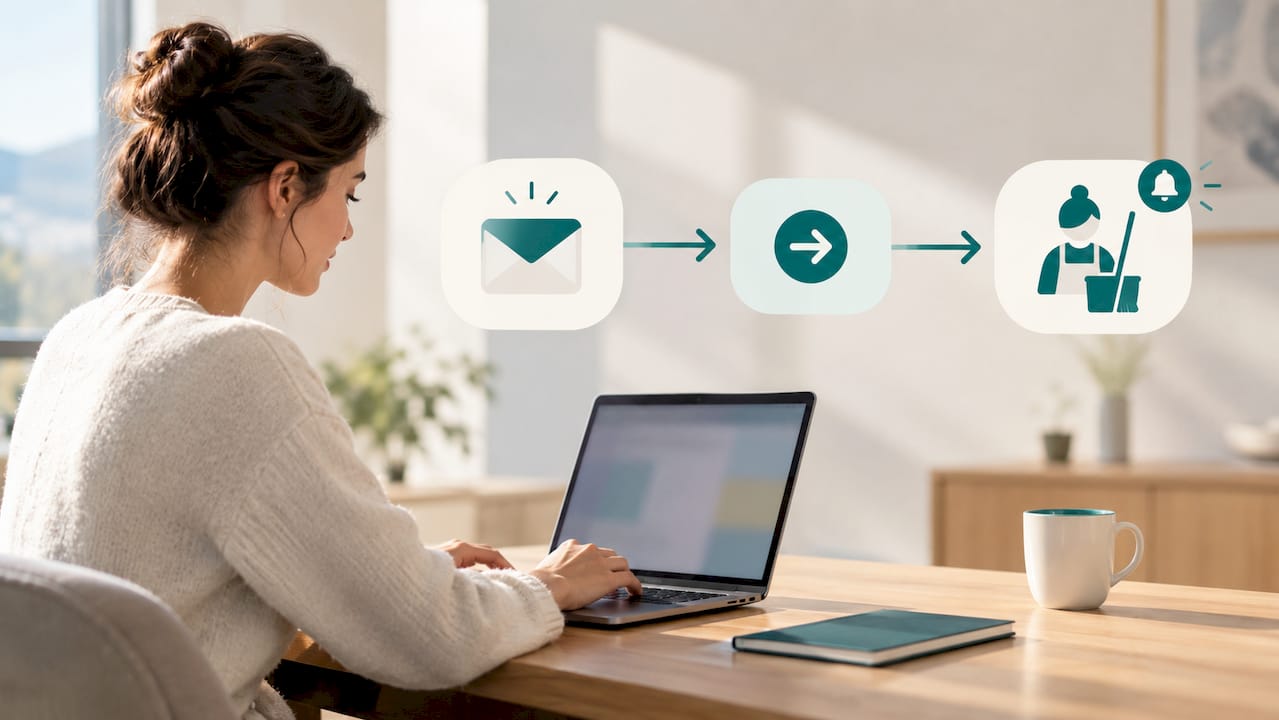
Once the feed is live, every Vrbo booking must turn into an actionable job without any manual step. That is where the choice of cleaning management software really makes a difference.
In practice, the tool automatically creates the task with the visit time and address as soon as the booking is confirmed. Each cleaner receives their job through an individual mobile login, without needing to check a shared board or wait for a call. They confirm or decline directly from their phone. The features that make the real difference on the ground include real-time calendar sync, automatic assignment, per-property checklists and photo verification.
- Job created automatically with time and address the moment the booking is confirmed
- Individual mobile assignment, with confirmation or decline by the cleaner
- Checklist tailored to each property and its specific requirements
- Mandatory photo proof at the end of every visit
- Supply tracking and performance indicators in real time
Pro tip: always require photo proof before marking a property as clean. It is the simplest check to avoid a negative guest review caused by a poorly prepared rental.
The loop closes with a sign-off: the cleaner confirms completion, the property status updates, and the next arriving guest can be automatically notified that the property is ready. A well-designed auto-scheduling platform also estimates the turnover time needed and adjusts automatically when a booking changes, removing the need to recalculate every last-minute shift by hand.
How to confirm the integration is really working in production
Never jump straight to full operation without a verification phase. Follow this sequence before treating the integration as stable.
- Create a complete test booking and confirm it generates a job in your cleaning software, with the correct address and time.
- Modify and then cancel that test booking to confirm the change propagates correctly through to the scheduled job. Testing cancellation propagation is the best way to surface integration issues before going live.
- Confirm the cleaner receives the notification, and that their sign-off comes back through to your dashboard.
- Monitor the first seven days of live traffic to catch any recurring mapping or rate errors.
- Track three simple indicators: the rate of unconfirmed jobs, late arrivals on site, and missing end-of-job photos.
What real-world use of the Vrbo integration reveals
On the ground, the sharpest gain is not the sync itself. It is the drop in last-minute emergencies. A team that receives its job automatically the moment a booking is confirmed no longer waits for a call or a manual message. That alone cuts missed jobs and late turnovers significantly.
The setup time is modest compared with the ongoing savings. Once the mapping is validated, every new booking requires zero intervention. The three errors that come up most often among the managers I have observed are always the same: failing to consolidate multiple Vrbo accounts, forgetting to manually import bookings that predated the connection, and relying on iCal for a portfolio of ten or more properties when that method passes neither the guest's name nor payment information. That last point becomes a serious problem as volume grows.
, Jonathan
CleanClac turns every Vrbo booking into a ready-to-go job
Once the Vrbo integration is active, you still need a tool capable of turning every synced booking into a clear job for your teams, with no spreadsheet and no phone call. That is exactly what CleanClac does: every cleaner has their own mobile login, receives their job with the time and address, and confirms their visit directly from their phone.

The per-property checklist, supply tracking and real-time photo reports give you a precise picture of every property's status without leaving your desk. And if something unexpected comes up, a cleaning to reschedule urgently or a team that is unavailable, you can find an available local cleaner directly through the marketplace, at no cost. Compare rates by portfolio size on the CleanClac pricing page and start your trial to see your first Vrbo booking turn into an automatic job.
Sources
For further technical detail, these resources expand directly on the points covered in this guide.
- Connecting your software to Vrbo HomeAway
- FAQ on the Vrbo connection · Amenitiz
- Automating cleaning and turnovers for Airbnb in 2026
Frequently asked questions
How long does it take to activate the Vrbo integration?
Allow 24 hours for a standard self-service activation, or up to five business days if an account manager needs to step in manually.
Do I need the API or iCal to sync Vrbo with cleaning software?
The API via SSO is the better option because it passes all booking details. iCal is a fallback only, since it sends nothing more than calendar availability.
Are Vrbo cleaning fees automatically synced?
No. In most PMS connections these fees do not sync automatically. It is better to include them in the displayed rate or spell them out in the listing description.
How does CleanClac handle jobs coming from Vrbo?
CleanClac creates the job automatically as soon as the booking syncs, notifies the cleaner through their individual mobile access, and centralises the checklist, supply tracking and photo report in real time.
What should I do about Vrbo bookings made before the connection went live?
You need to add them manually in your cleaning software before activation, because the integration does not pull in any history that predates the sync.


